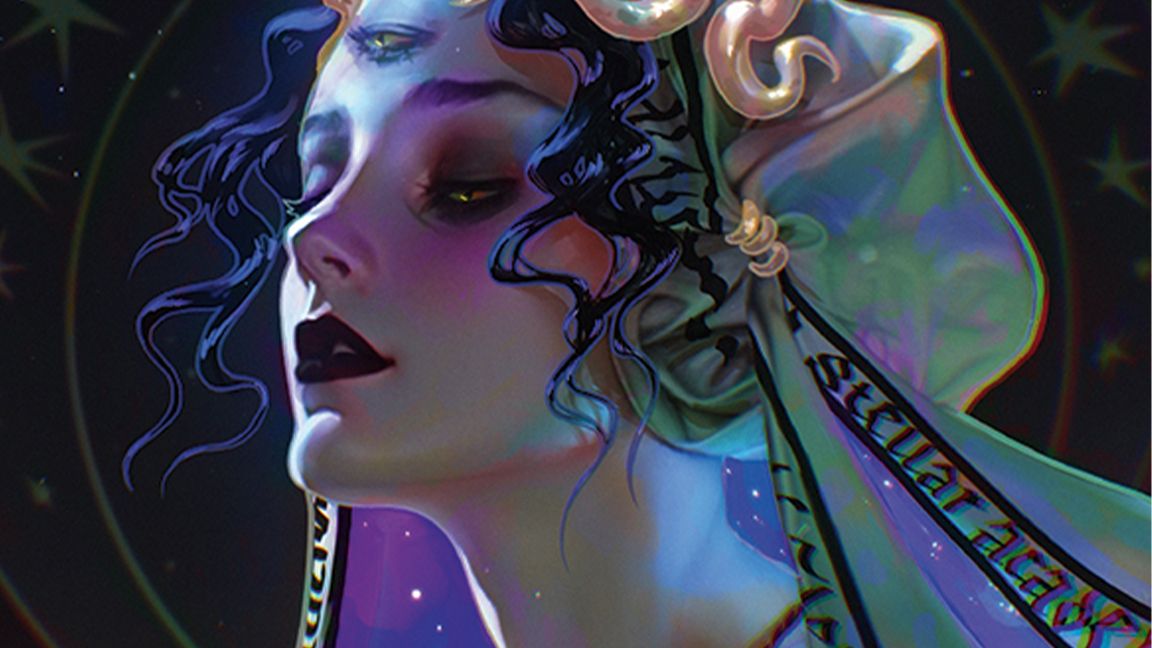
Procreate is a great app for digital art generally, but also portrait painting specifically. There’s something uniquely daunting about staring into the eyes of a blank canvas, especially when that canvas is destined to become a face. But portrait painting in Procreate can be as thrilling as it is intimidating. From nailing skin tones to rendering believable lighting and brushstrokes that capture character, it’s a delicate balancing act that even seasoned artists can find overwhelming.
But here’s the good news: Procreate on iPad isn’t just powerful, it’s purpose-built for digital artists who want to get personal with their art – making it one of the best drawing apps on iPad. Procreate features fluid touch controls, responsive Apple Pencil support, and an intuitive interface, making it the ideal studio-on-the-go for creating everything from traditional portraits to stylised character studies. (Read our guide to the best digital art software for desktop alternatives.)