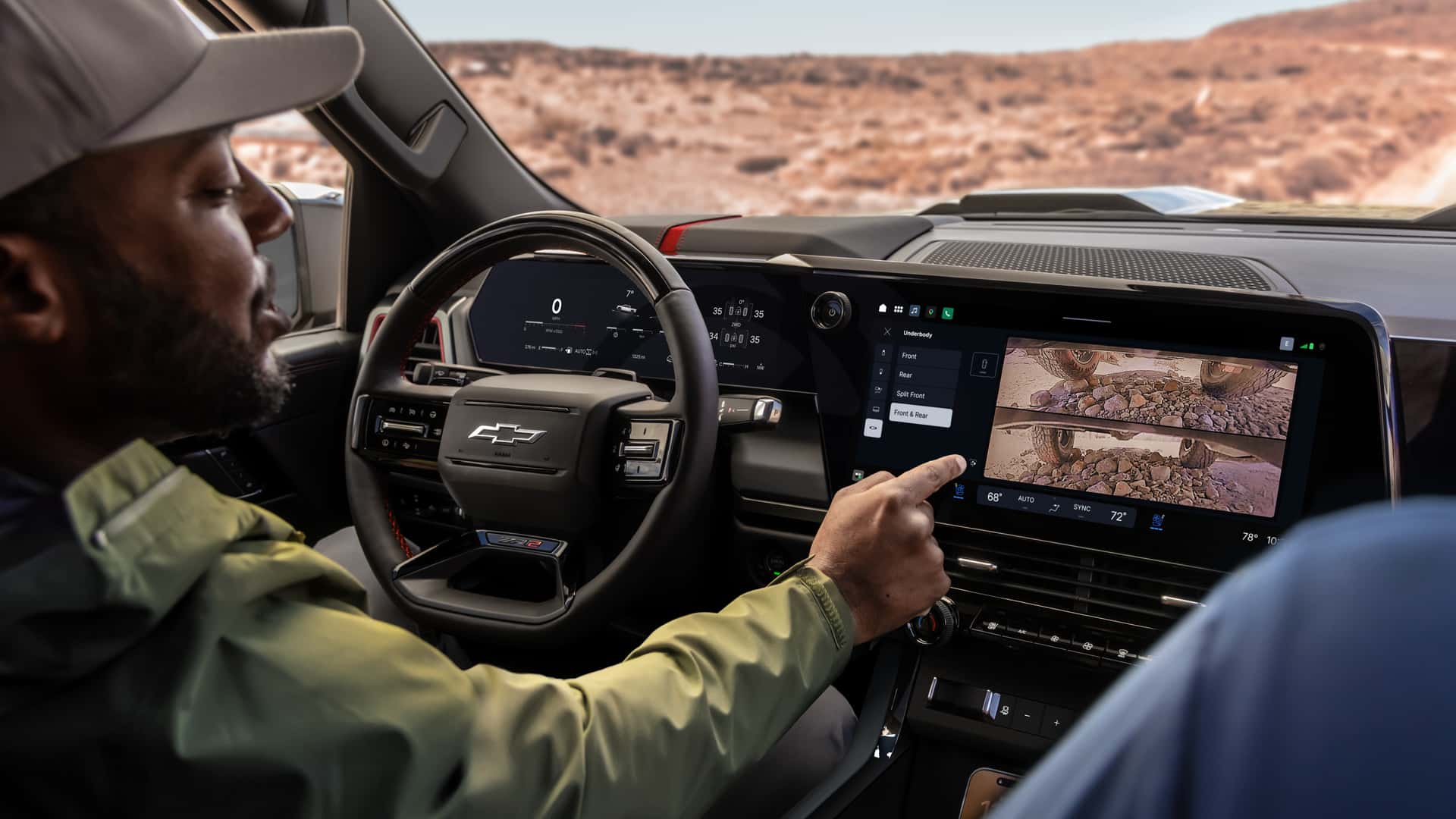
Android Auto has become an essential feature for many drivers, making it easier to access Google Maps, music, phone calls, and messages directly through a car's infotainment screen. However, few things are more frustrating than getting behind the wheel, plugging in your smartphone, and discovering that Android Auto refuses to connect.
Whether the system suddenly stops working, repeatedly disconnects, or fails to recognize your phone altogether, there are several possible explanations. From faulty USB cables and outdated software to wireless connectivity problems and incompatible infotainment systems, many Android Auto issues can be resolved with a few simple troubleshooting steps.