
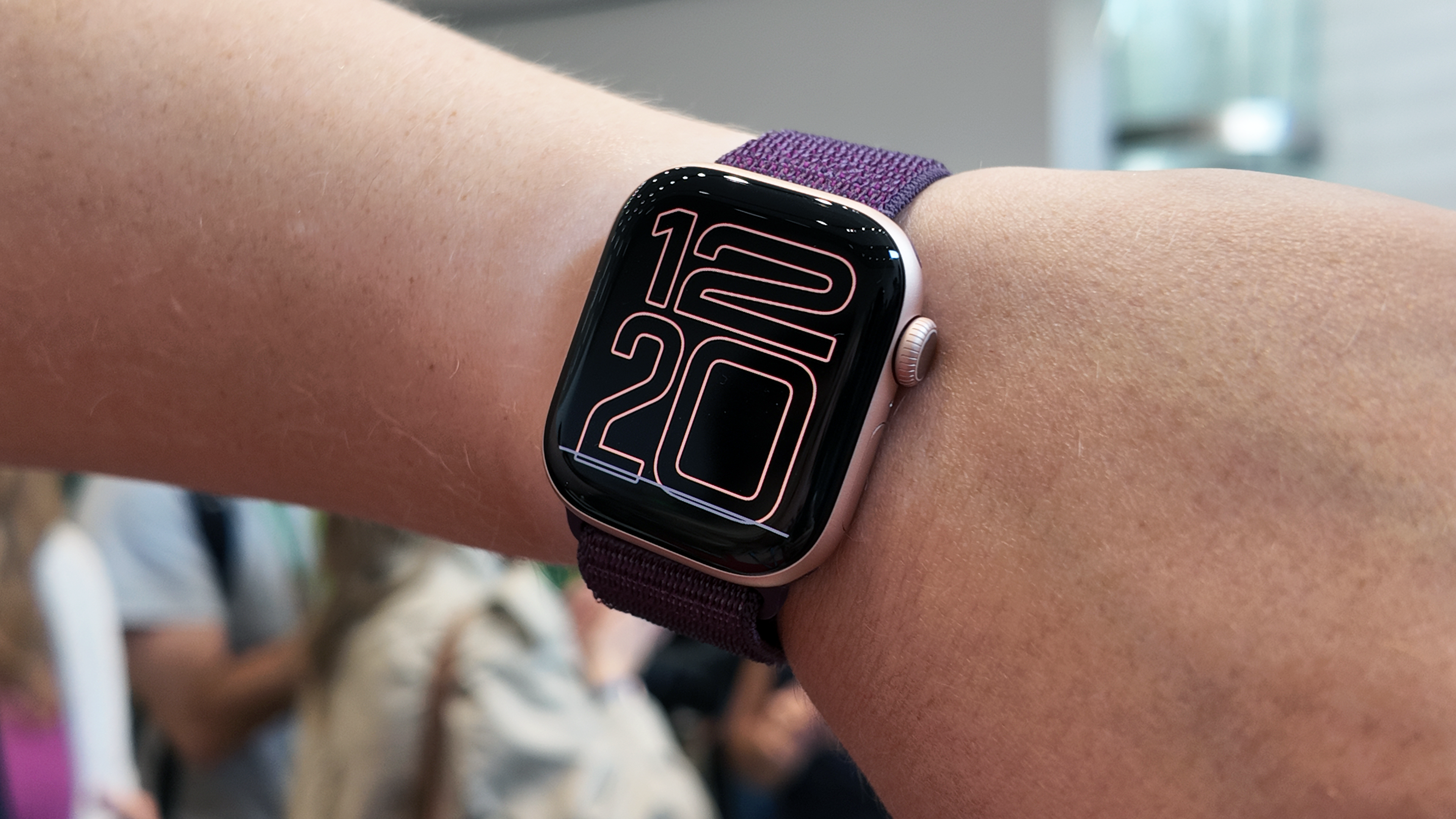
The Apple Watch has become an indispensable companion for many, tracking fitness, delivering notifications, and even allowing users to access a hidden Safari browser. Whether you're sporting the best Apple Watch model or experimenting with clever Apple Watch hacks and features, battery life is crucial to keeping your device functional throughout the day.
Over time, you might notice your watch's battery doesn't last as long as it used to. This doesn't necessarily indicate a problem; battery aging is a natural process that affects all rechargeable devices. However, knowing how to check your Apple Watch's battery health can help you understand its current capacity and make informed decisions about usage and potential replacement.
In this guide, we'll walk you through the simple steps to check your Apple Watch's battery health. Time to watch and learn!
1. Access battery health settings

Press the Digital Crown on your Apple Watch to show all apps. Go to Settings, scroll down and select Battery, then tap on Battery Health.