
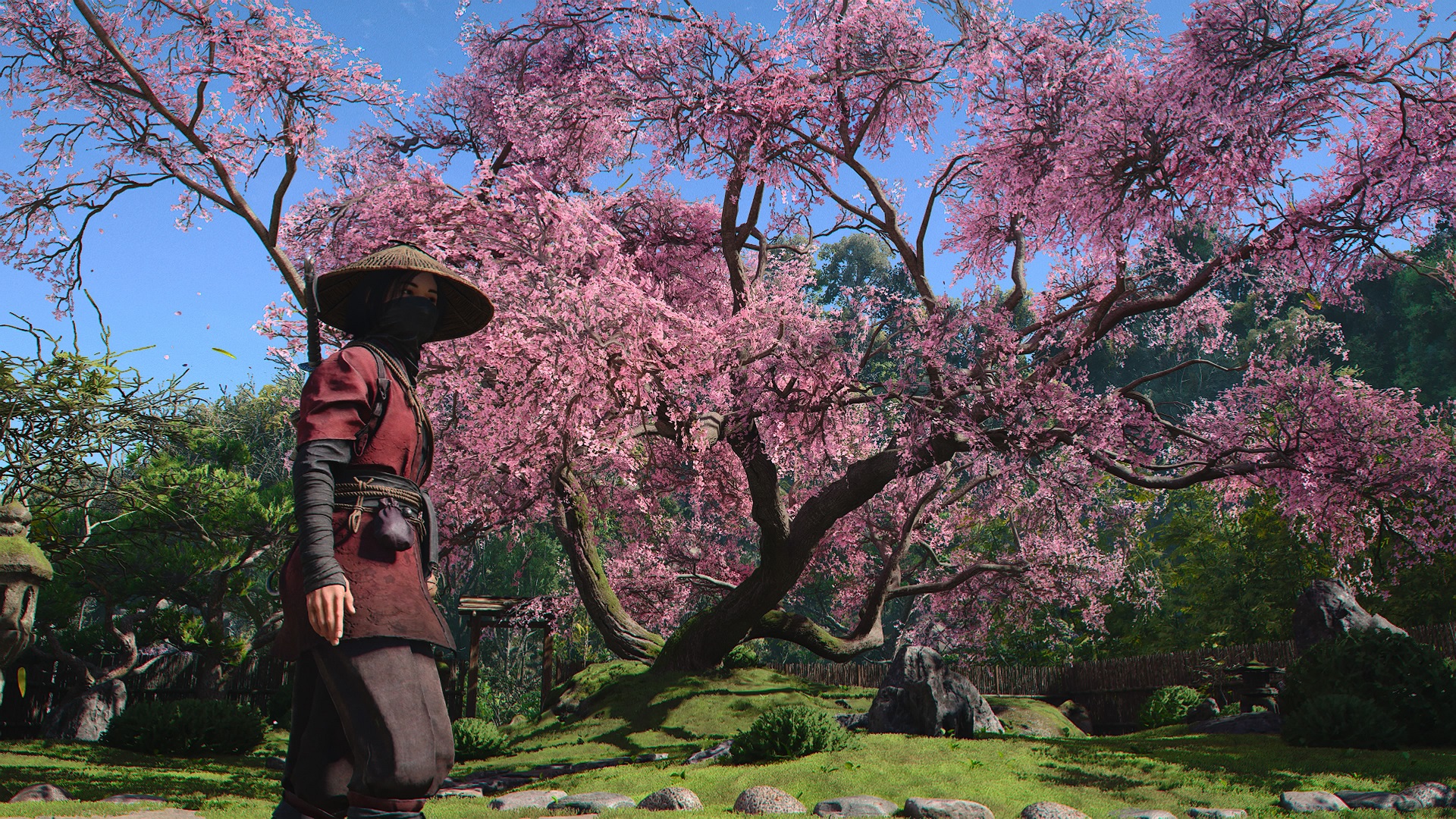
The Assassin's Creed Shadows seasons system is a new addition to the AC series that changes the world environment and resets certain mechanics, as well as reaping new rewards for the player. However, despite how important it is, it's probably one of the less-explained new features in Assassin's Creed Shadows. So, you may be wondering how to change seasons in the new game. Well, below, we explain seasons in full, breaking down the difference between them in-game, time restraints, how to manually change them, and more.
How to change seasons in Assassin's Creed Shadows
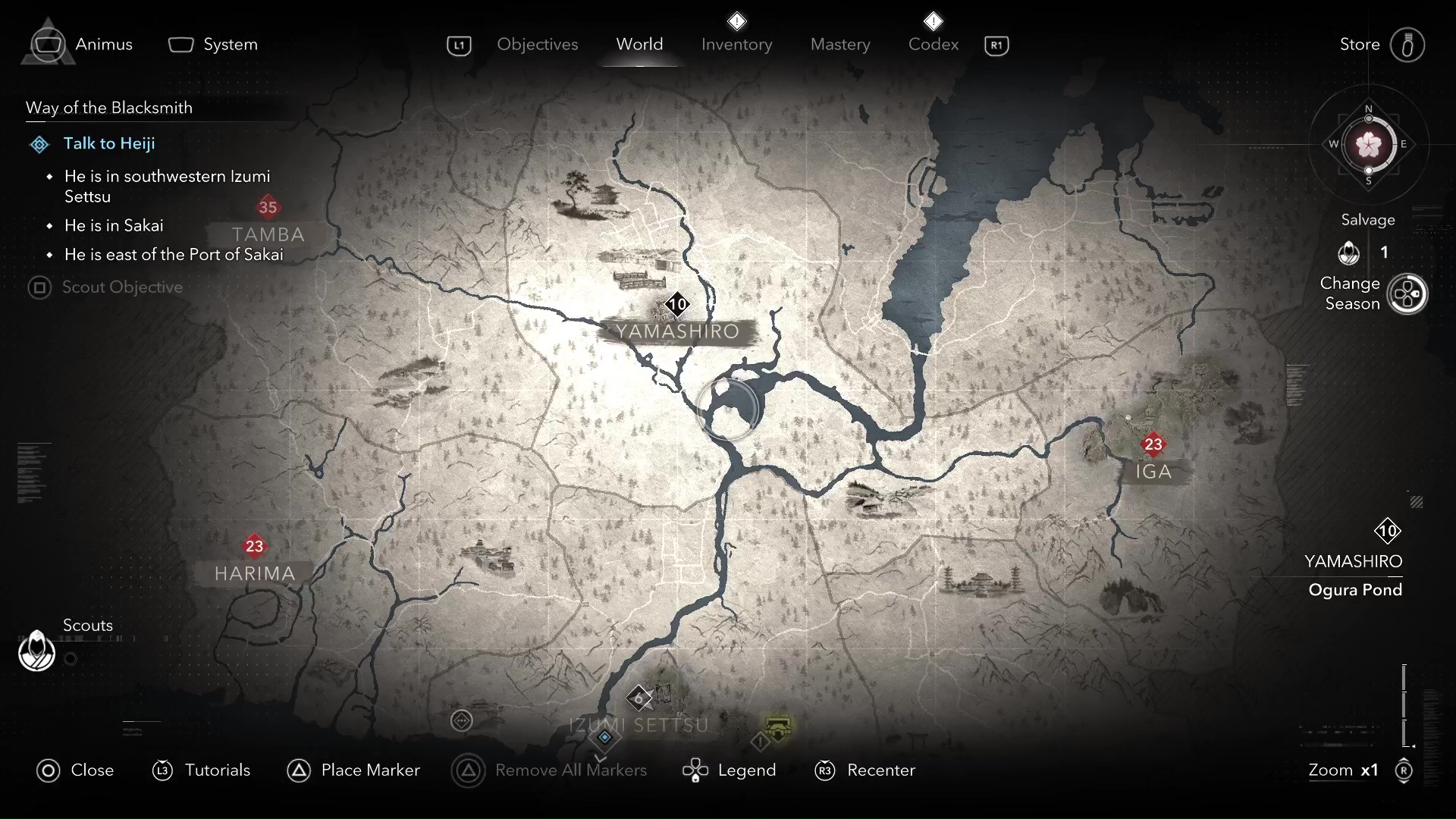
Seasons in Assassin's Creed Shadows change roughly every two hours, as outlined by the timer on the compass in the top right-hand corner of the map. During this time, half of the season will be during the day and half at night.
Once that time is over, the season will change automatically when you fast-travel, or you can trigger it manually by holding the right button on the D-Pad while on the map.
However, you do have to wait for the timer to elapse - there is no way to change seasons or pass time whenever you want.
If you've just started Spring and really want to play in the Winter, you have no option but to just let time naturally pass, which also goes for the day-night cycle. These seasons are also broken into two phases, "early" and "late," with minor differences between each one.