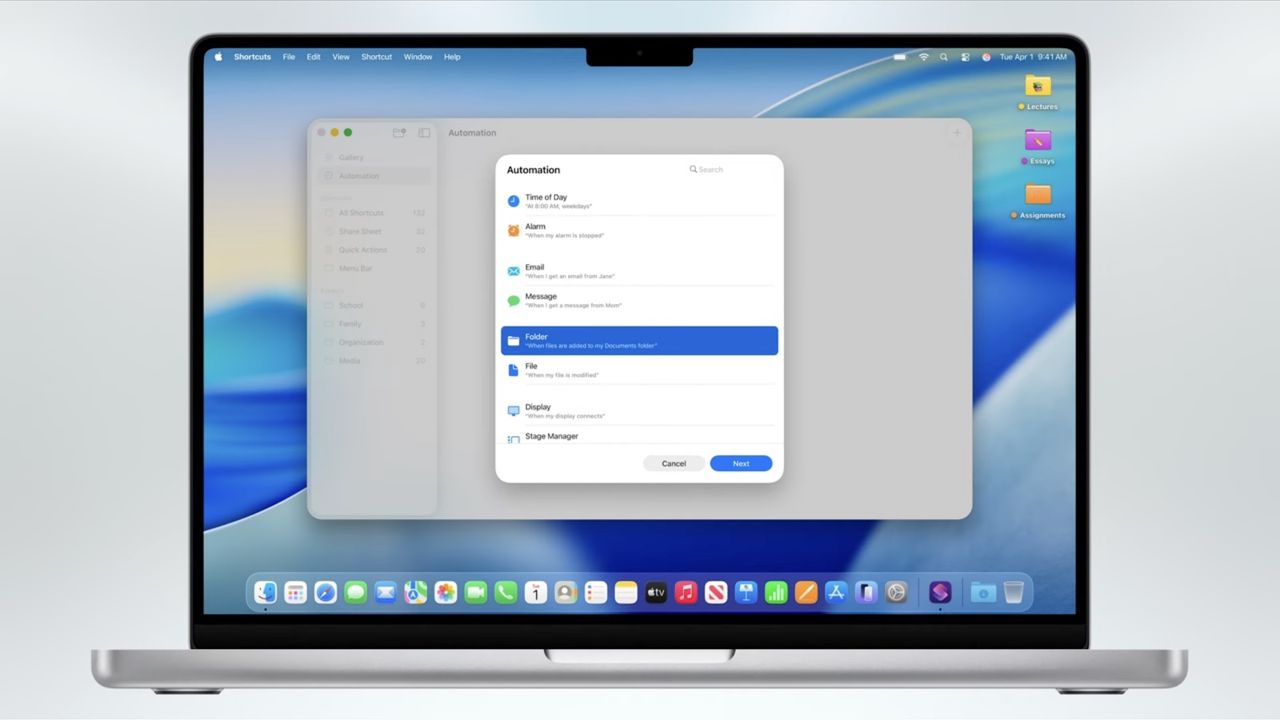
We’d hazard a guess that a lot of Mac users haven’t opened the Shortcuts app and, if they have, they’ve done very little other than have a quick look. That’s to be expected. Shortcuts can, at first glance, feel just a tad too complex and it’s not always immediately apparent how useful it can be. But if you spend even a short amount of time playing around with this app, you can certainly reap the benefits.
In this guide, we'll get you up and running with Shortcuts. We'll take a look at the basics of the Shortcuts app, show you how to use the pre-built ones, have you use them in a widget or within an app and, finally, guide you through creating a shortcut of your own. What we're not going to do is go super in-depth and overwhelm you, but we hope you'll be suitably encouraged to explore some more.