What you need to know
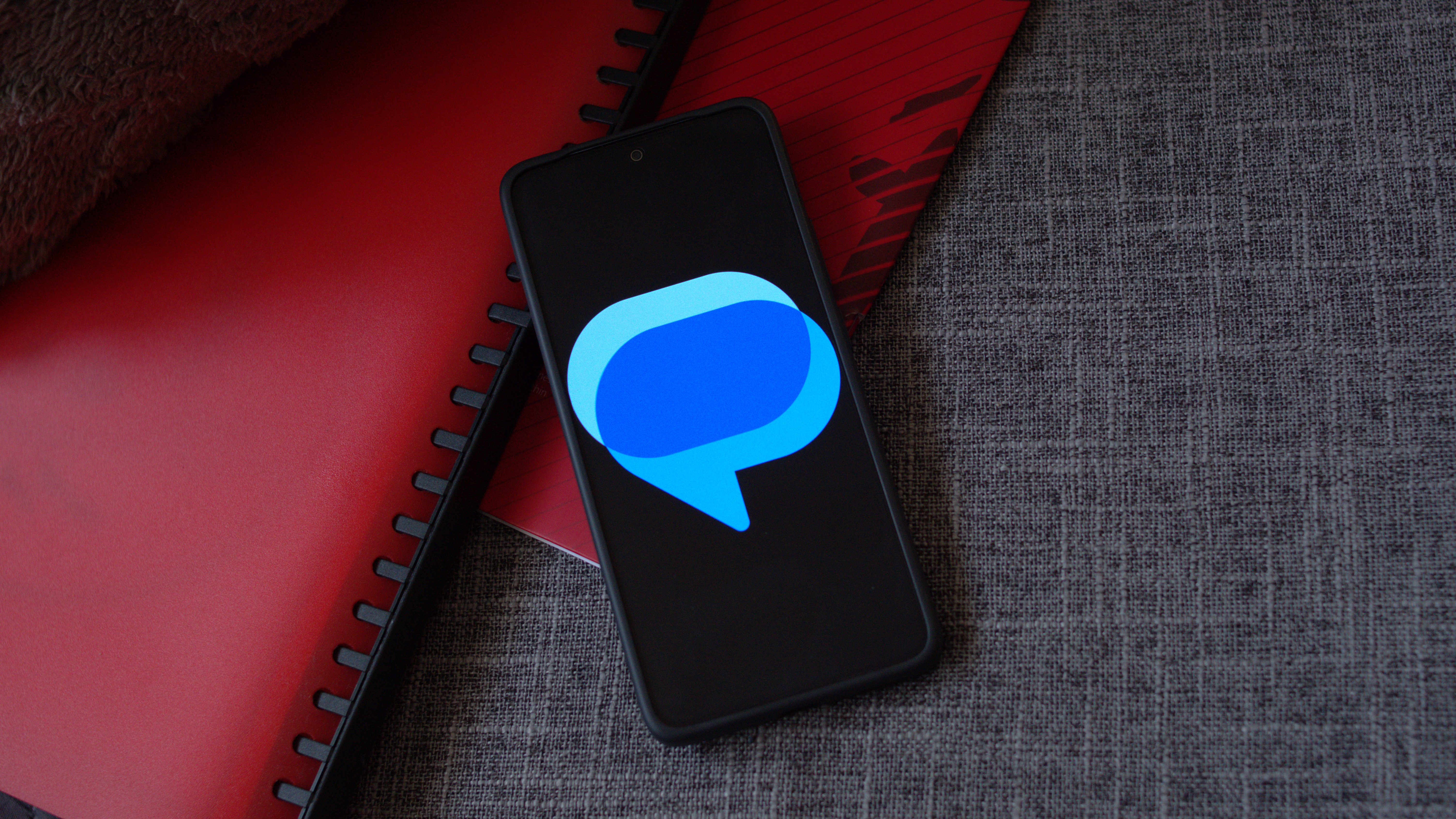
- Google Messages introduced Screen Effects in February, adding over 15 visual effects triggered by specific keywords in messages.
- An option to disable these animations seems to have surfaced in the latest version of the Messages app with a toggle in the settings called "Show expressive animations".
- Previously, the only way to disable animations in Google Messages was to do it for all apps on the device.