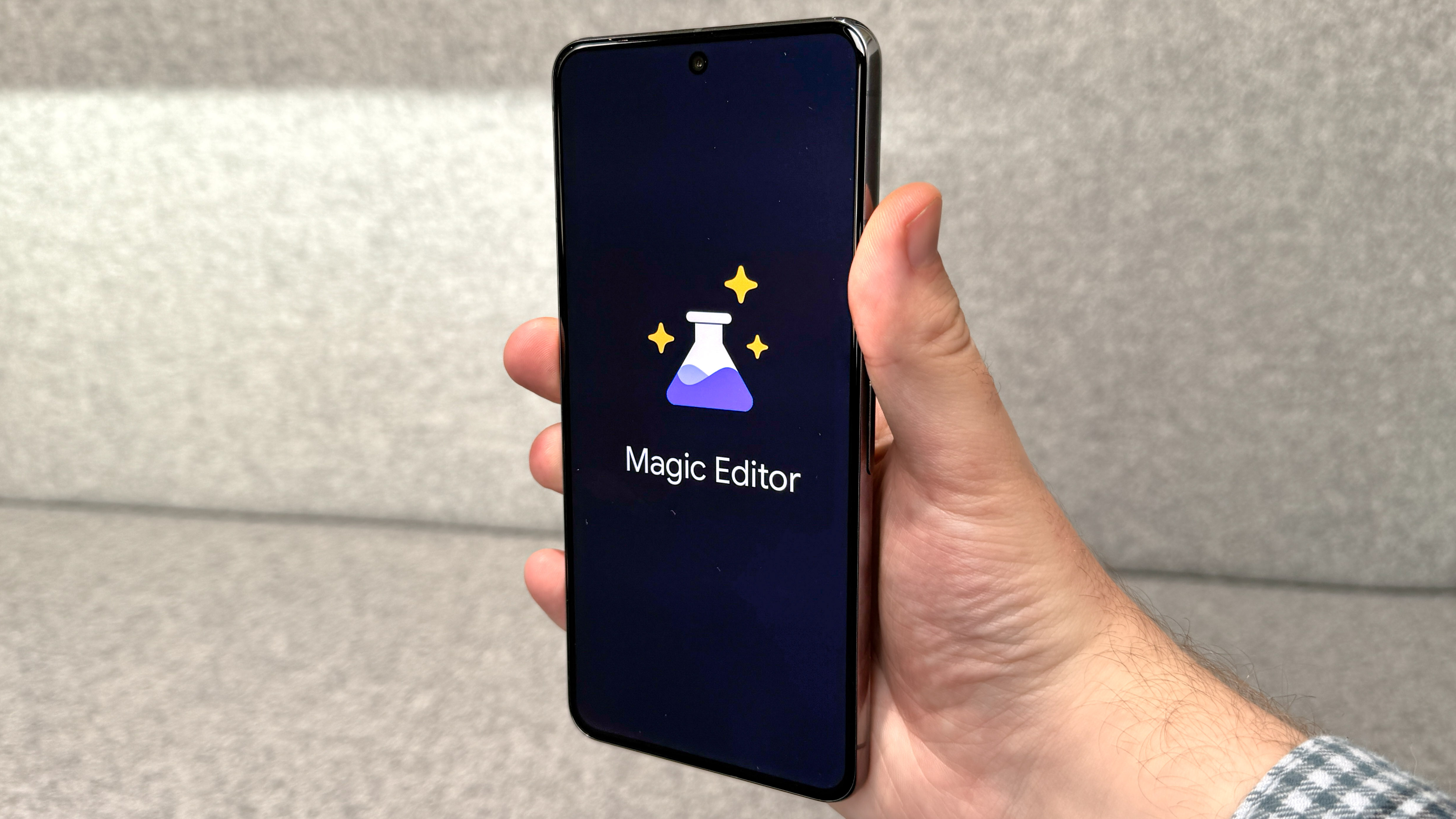
Arriving alongside the Google Pixel 8, Magic Editor is an easy way of tweaking photos on your smartphone, but one that may feel a bit imposing to use. We're here to help with that though.
With the power of Google's AI, Magic Editor will allow you to move objects within your photo around, resize or remove them, alter the colors of your image or have an AI remix of your photo in one of several different art styles. The only real limitation, beyond what Google's AI image processing is capable of, is that you need the photos backed up to Google Photos first, which may make it harder to quickly do some editing while you're out and about shooting photos. Keep this in mind though, and you will find the rest of the process is incredibly easy to understand and use.