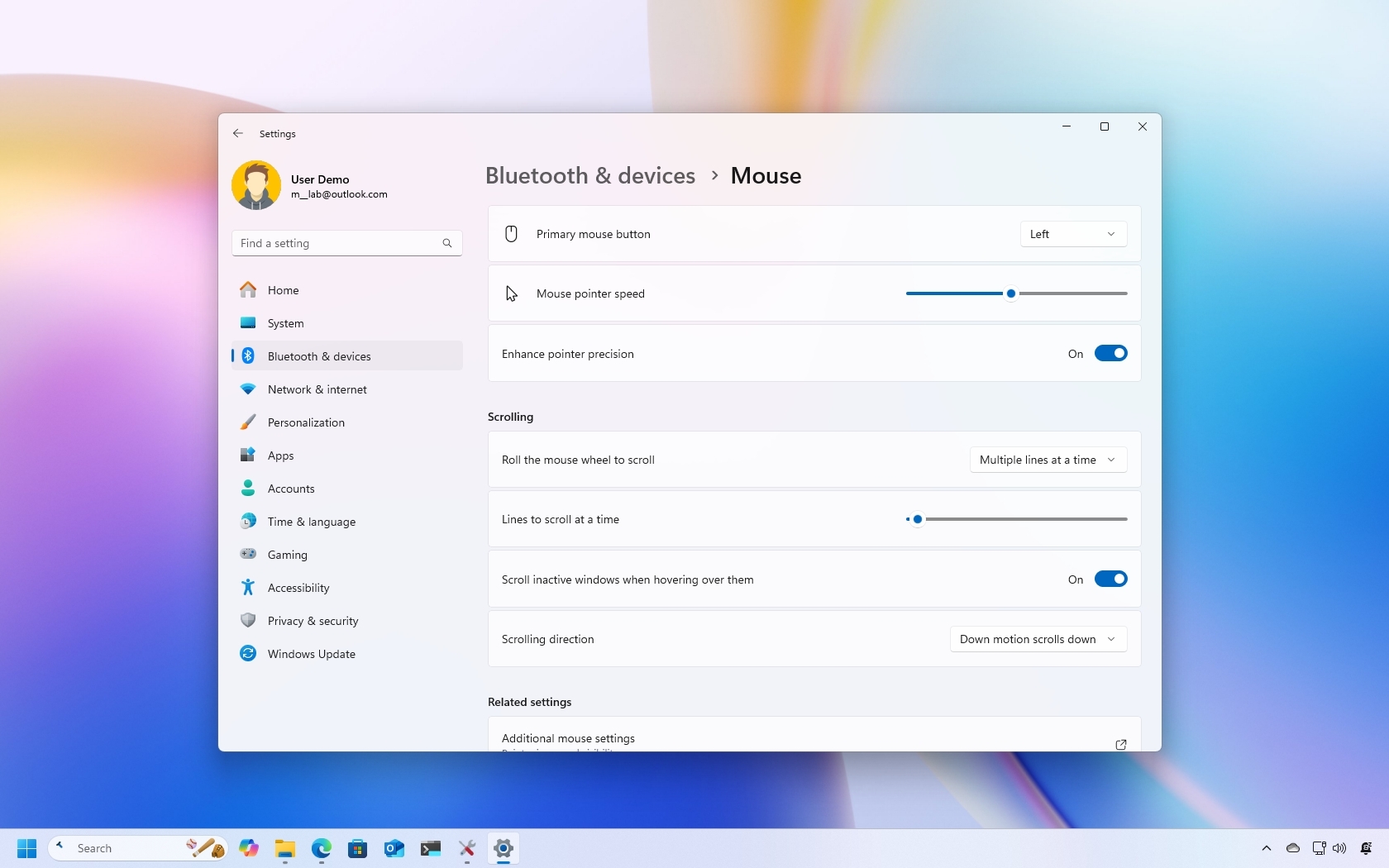
On Windows 11, the default mouse scrolling behavior is typically suited for most users. However, if you feel it needs tuning, you can set the number of lines to scroll at a time or specify to roll one screen with a single roll.
In addition, you can even control whether you can scroll inactive windows as you hover over them while working on another application, and you can now change the scrolling direction without having to resort to Registry hacks.