
Get all your news in one place.
100's of premium titles.
One app.
Start reading
Android Central
Android Central
Technology
Judy Sanhz

BIZARRE: How to change the color of text bubbles on google messages - What They Never Told You

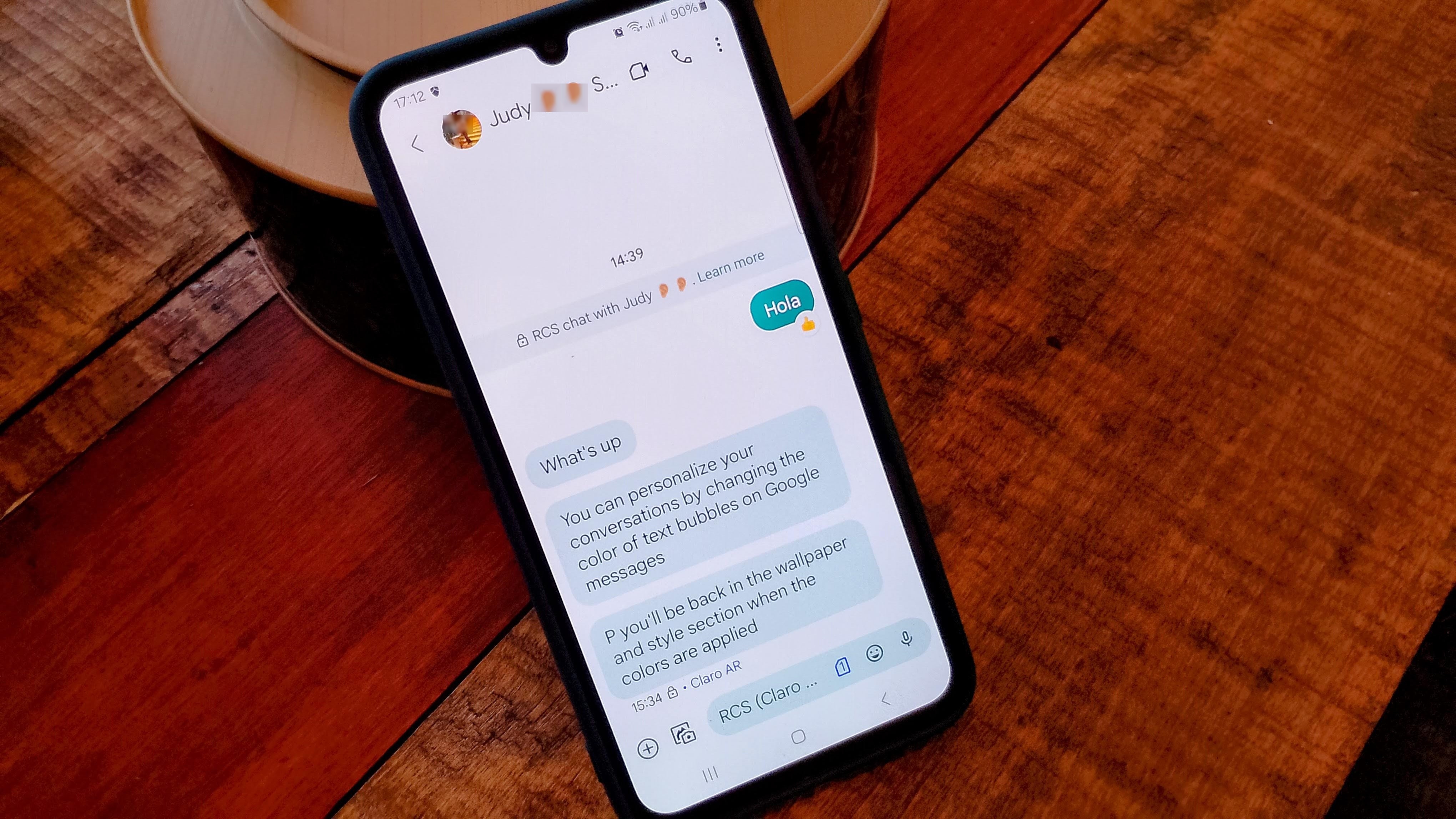
The Google Messages app open on a smartphone.

You don't always have to look at dull colors when using Google Messages. You can spice things up by adding a new color whenever you want. You can make these modifications from your device's settings, so you don't have to install another app.

Google Messages has various features. For example, you can have fun with Photomoji or set message reminders. But first, let's see how to add a specific color to your chats.

Sign up to read this article
Read news from 100's of titles, curated specifically for you.
Already a member? Sign in here
Related Stories
Top stories on inkl right now
One subscription that gives you access to news from hundreds of sites
Already a member? Sign in here
Our Picks
Fourteen days free
Download the app
One app. One membership.
100+ trusted global sources.