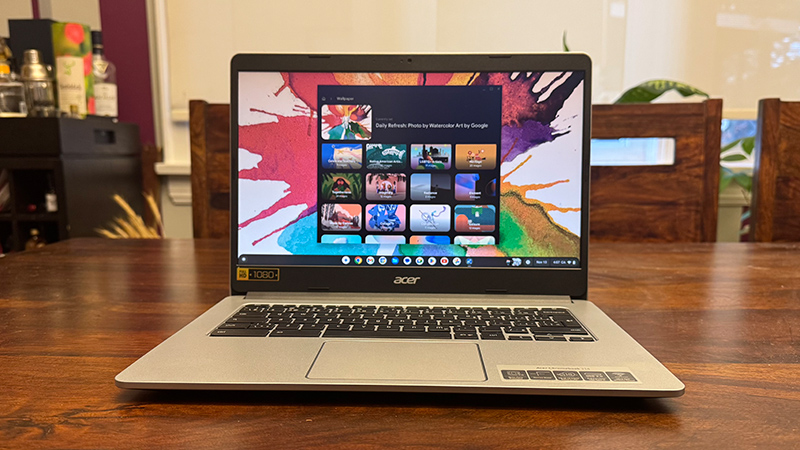
Sometimes, it’s the subtle things that can make a difference to your work or school day. One such thing could be your Chromebook theme. You can make it fun, soothing, or relative to the task at hand to get you in a better mood. What are Chromebook themes? They are wallpapers (and screensavers) that appear on your home screen, visible when you’re selecting apps or in the background if you’re performing a task that isn’t covering the entire screen.
You can go from artsy to modern, fun to calming, and even use your own personal photos. Now the question is how to change themes on Chromebook. The good news is it’s simple to do in just a few steps. Plus, we’ll walk you through how to change the theme in your Chrome browser as well.