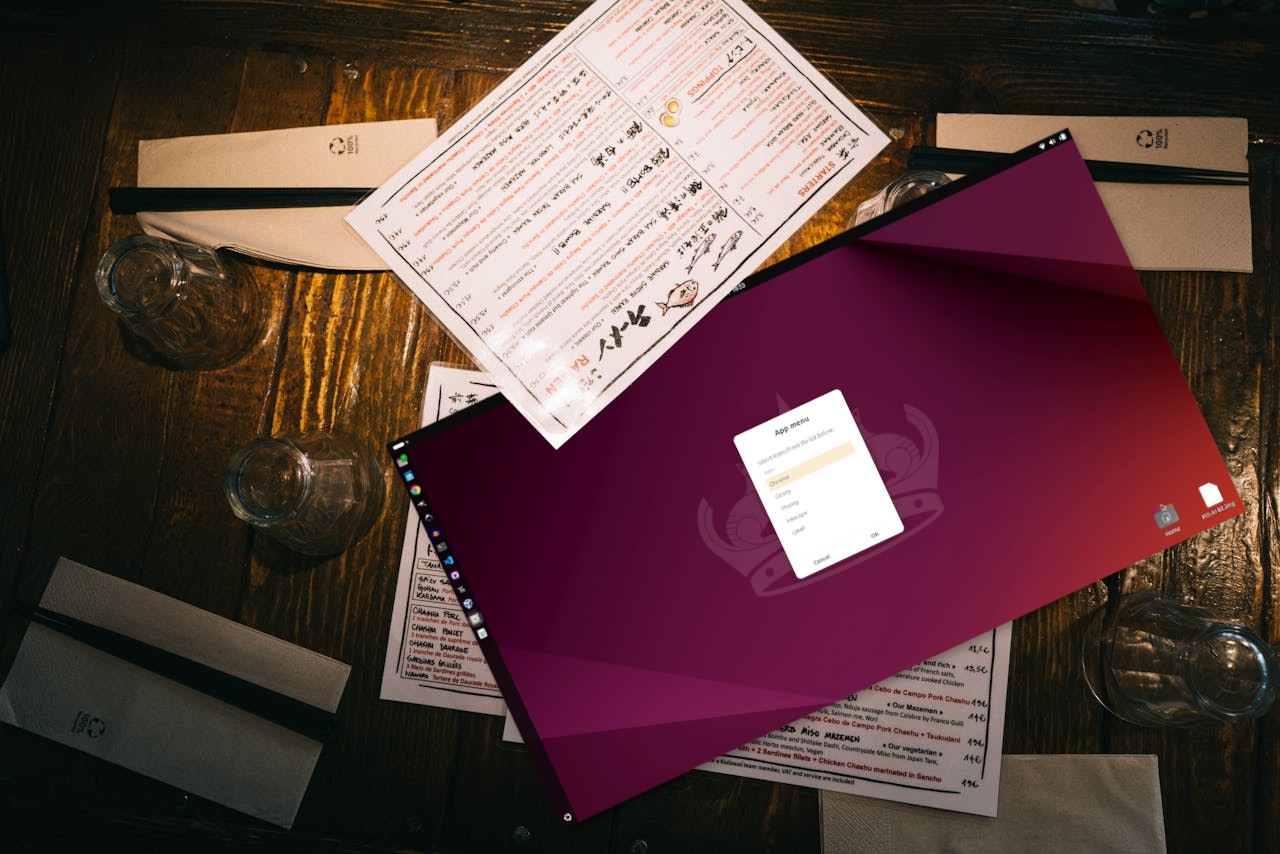
Creating GUI (Graphical User Interfaces) with any operating system boils down to Ncurses / Whiptail type GUIs for the terminal, or full blown GUIs on the desktop. We will be building the latter, but using the terminal to run commands. Zenity, a tool to display GTK dialog boxes from the terminal and shell scripts is a great tool and it is very easy to use.
In this how-to, we will create a simple application launcher using a Bash script. Selecting an application will trigger the terminal command and open the application. Leaving our app launcher ready to run another application.
Zenity is a fantastic tool for creating GUI applications via the terminal and the Zenity project has a full manual on how to use it.