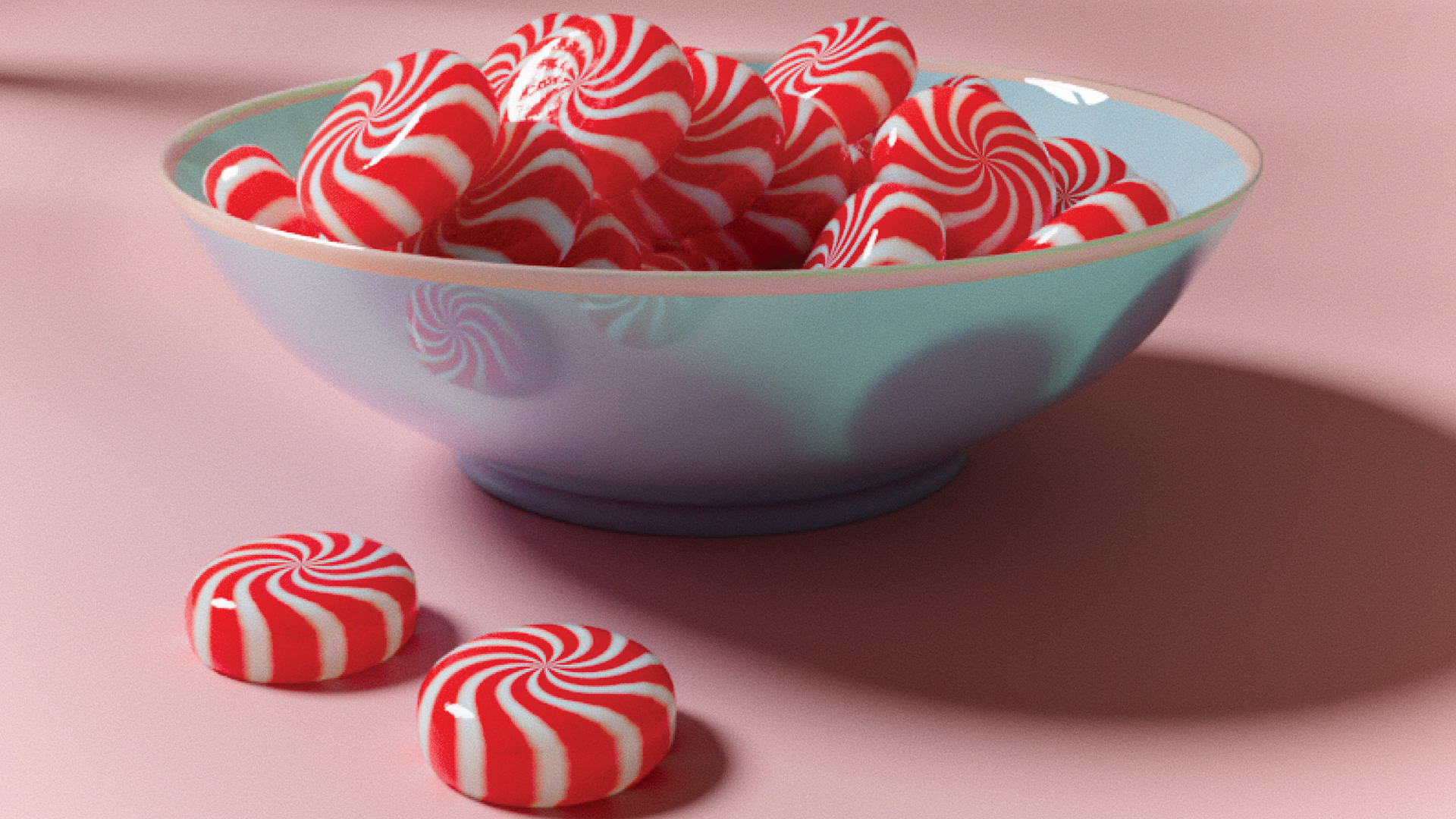
Last issue I showed you how to make a realistic jelly material, and the sweet theme continues here with an introduction to creating procedural peppermint candy, with no external textures or photos required.
First of all, let’s create the peppermint. You can use any shape you want as the material will work regardless, but in this case I just added a cylinder the size of the peppermint and applied a Subdivision Surface modifier to bevel the edges. After that add a material called ‘M_Peppermint’ and check the Use Node box on the Shader panel. At this point we’re good to go for the material set-up.