Custom Procreate brushes
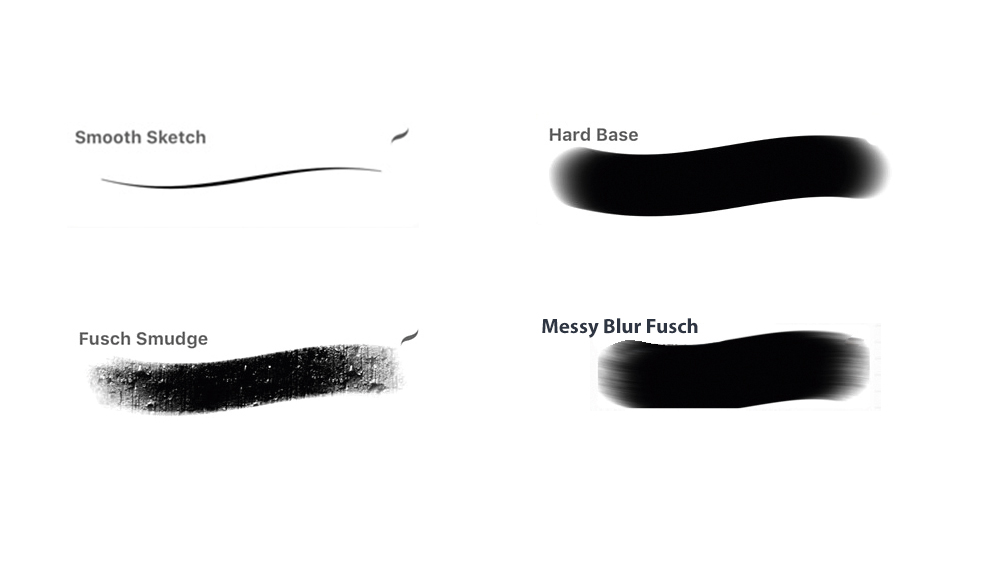
Smooth Sketch: Perfect for smooth lines with a flowing taper for any line work.
Messy Blur Fush: This brush makes use of Procreate’s blur feature.
Hard Base: A more organic custom version of the standard brush. I use it for flat colours or lines with a small stroke size.
Fusch Smudge: Used for satisfying, textured smudging. It can be used softly and powdery, or strong.
You can purchase the brush set for this tutorial by visiting from cubebrush.
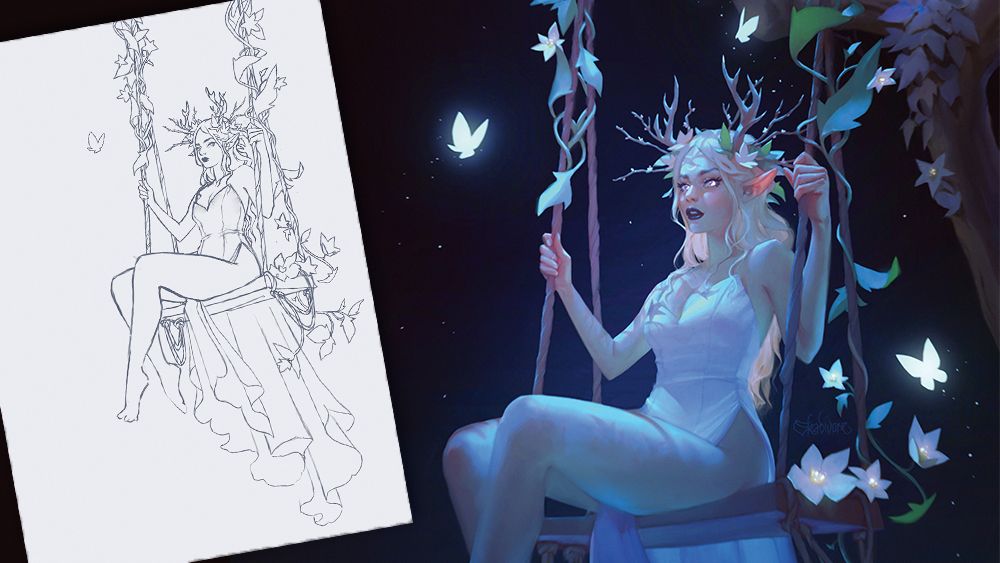
For me, light and colour are everything. They define the mood, depth,and emotional core of an artwork. Over the years, I’ve developed my own approach to creating ethereal, glowing light effects, which I’ll be breaking down in this tutorial using the iPad app Procreate.