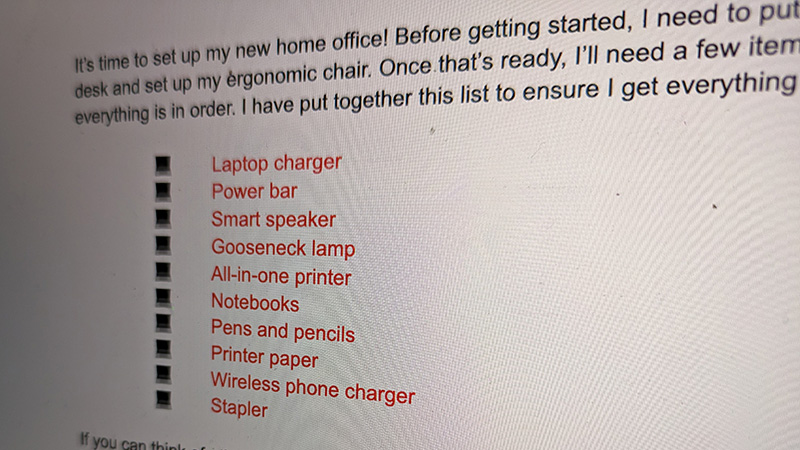
There’s so much you can do in Google Docs, creating documents that go well beyond just basic black-and-white text. You can add color, images, adjust the font size and type, and more. One exciting way to liven up a Google Doc and make it easier to read and the information simpler to digest, especially with lists, is to use bullet points. You can even customize bullet points in Google Docs, including adjusting the type, indents, prefixes, and suffixes.