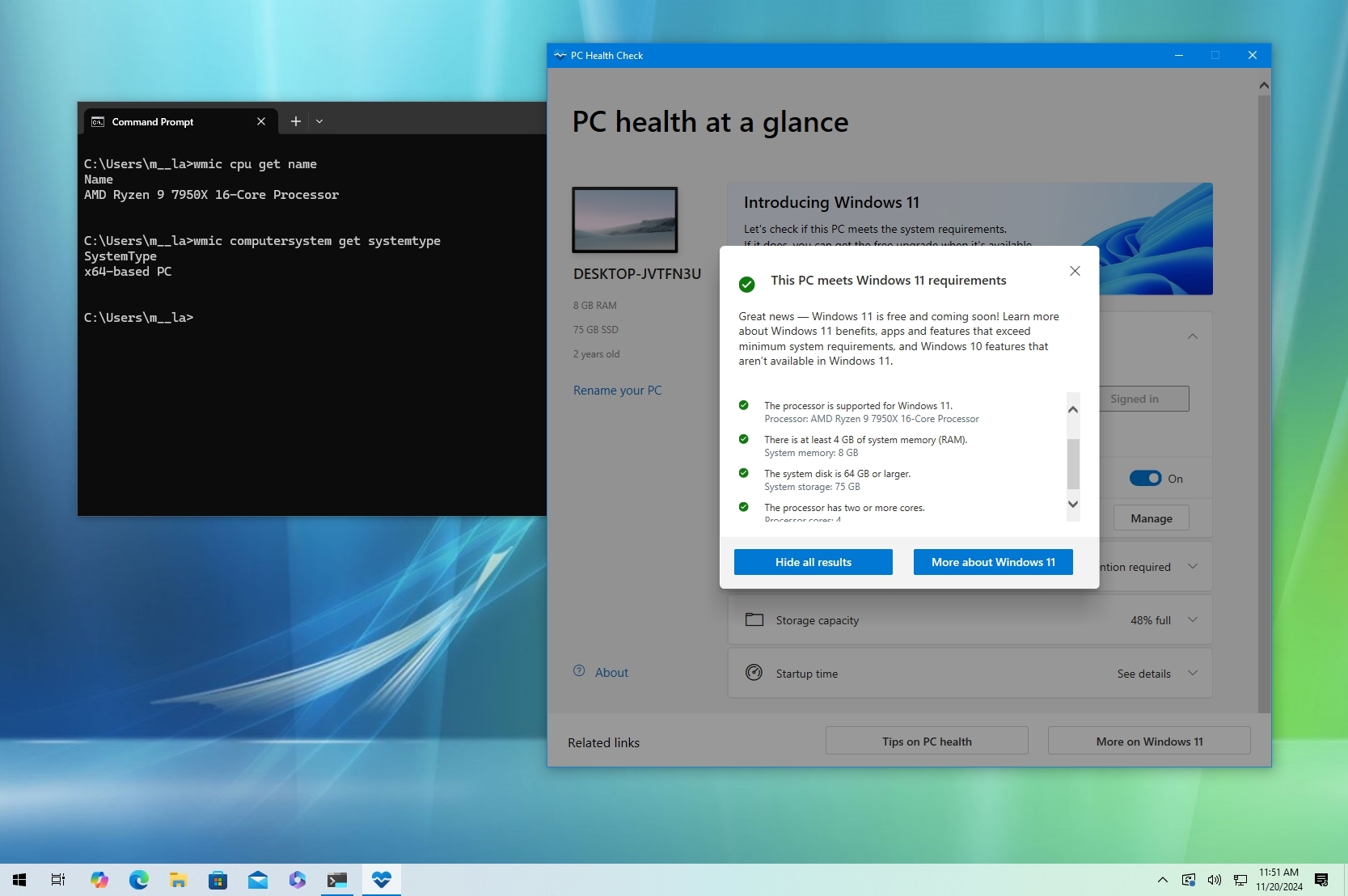
Although Microsoft offers Windows 11 as a free upgrade for devices already running Windows 10, this does not mean that your hardware configuration is compatible. The device also needs to have one of the supported processors, in addition to requiring a trusted platform module (TPM) 2.0 chip.
As part of the minimum system requirements, Windows 11 is supported only on 64-bit (x64) processors and only in specific chips from Intel, AMD, and Qualcomm, leaving many older computers without the possibility to upgrade. For example, from Intel, the operating system officially supports only the 8th Gen and newer processors and some of the Celeron, Atom, Pentium, and Xeon chips. And from AMD, Windows 11 supports third-generation Ryzen and newer processors, including some second-generation Ryzen 7 CPUs and some Athlon and EPYC processors.