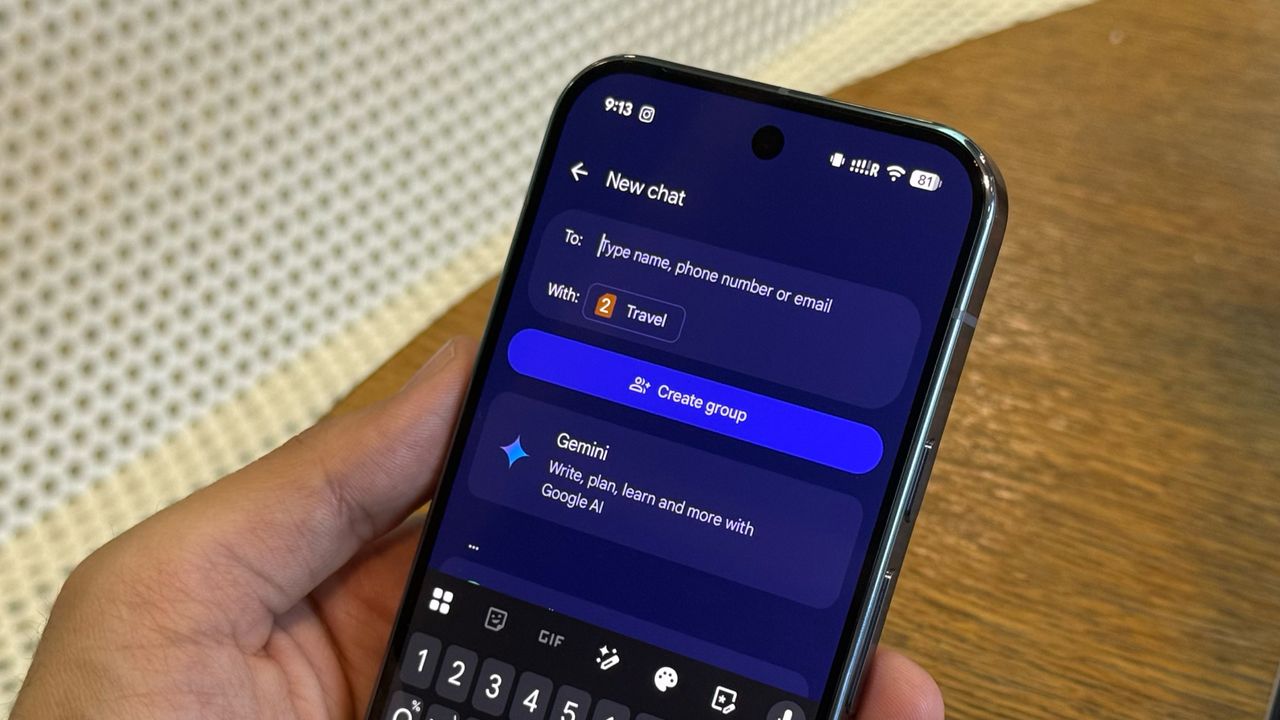
With more carriers now supporting RCS and Apple adopting the standard on iOS, the usage of Google Messages has increased significantly. And while that's great for breaking down messaging walled gardens, there's also the reality that NSFW (Not Safe For Work) content continues to spread, and that isn't ideal for some.
Thankfully, Google has built in sensitive content warnings for Messages. If you receive, send, or forward images containing nudity (intentionally or not), your Android phone can automatically detect and blur them. If you'd like to enable this feature on your device, or even on your child's phone, there's an easy way to do it and protect yourself from embarrassment while staying safe.