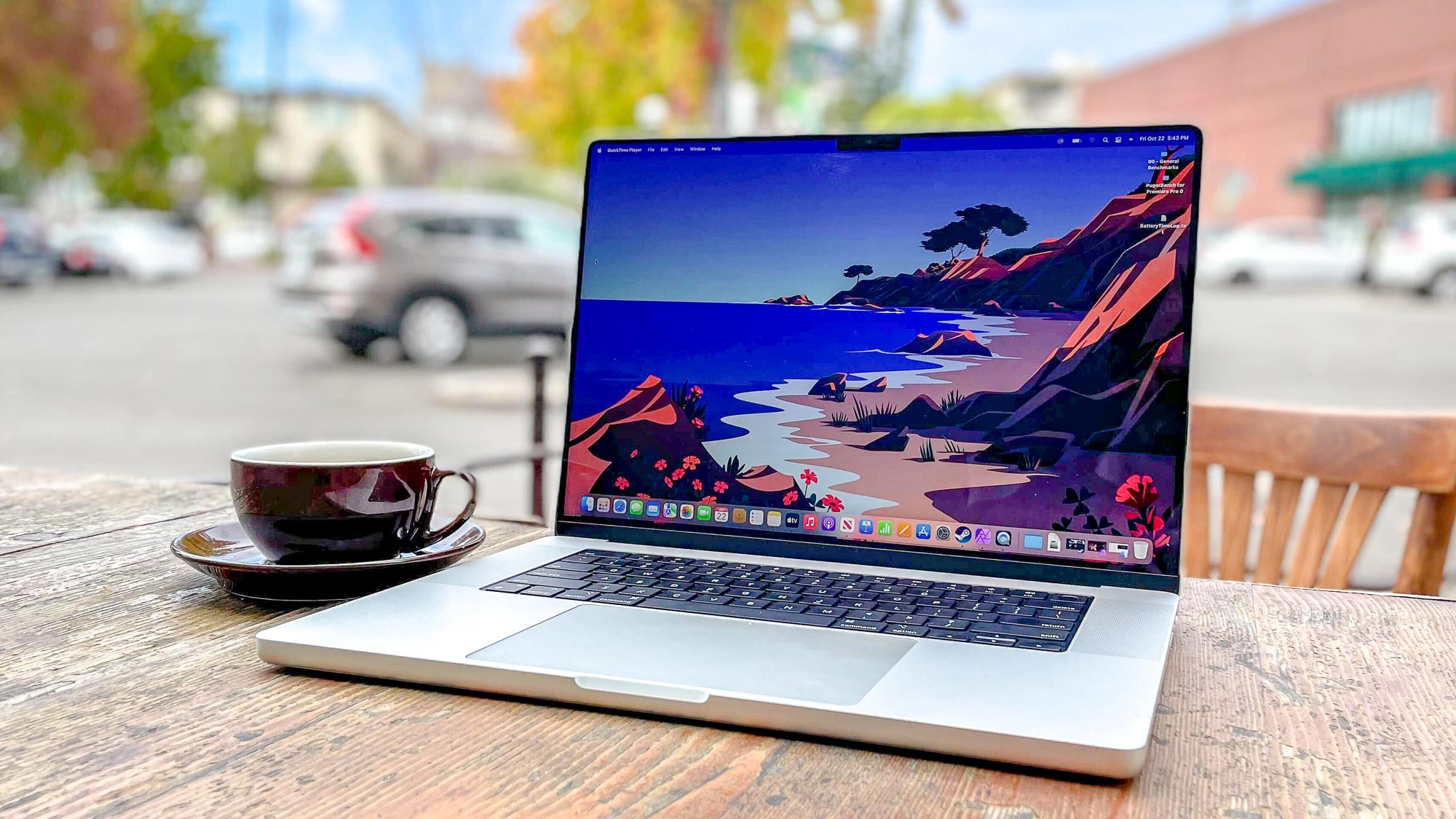
Want to know how to find a Mac's CPU? Perhaps you recently bought a MacBook Pro 14-inch and forgot which Apple chip is inside. Maybe you've got an older Intel model and want to know which exact processor is powering it, to get a rough idea of its capabilities. You might not know whether your computer has an Intel CPU or Apple chip at all and want to find out.
Well, don't worry, because finding out your Mac's CPU is easy, and this guide will show you how in a few steps. There is a slight difference in what you'll want to do if you have an Intel Mac. Essentially, there aren't many Apple chips, so the exact model of CPU is easy distinguishable in just a couple of clicks. Conversely, Apple fitted a huge range of Intel chips into its Macs over the years, and specific models aren't listed in the same way. This means you'll need to enter a Terminal command to find the specific CPU model.
.jpg?w=600)