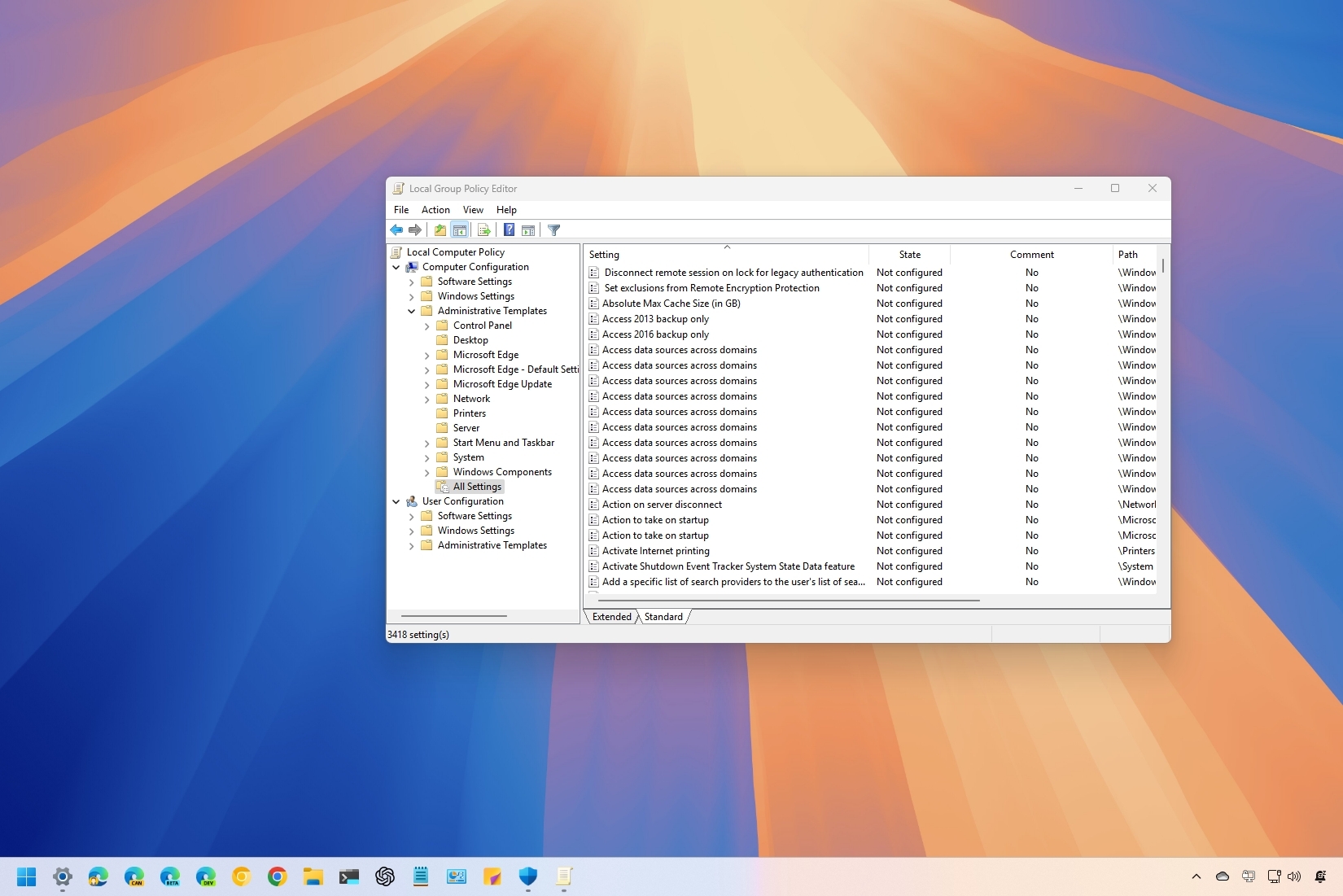
On Windows 11, managing Group Policy settings allows you to customize and control some of the most advanced aspects of your operating system, from security configurations to user permissions. However, there may come a time when you need to reset these settings to their default state to resolve misconfigurations, troubleshoot system issues, or start fresh, and in this guide, I will show you the different ways to complete this configuration.
Regardless of the reason, Windows 11 offers a few different ways to reset the Local Group Policy settings, ensuring that all policies revert to their original clean slate, including through the Group Policy Editor, Command Prompt, and PowerShell.