ChatGPT can give some impressive results, and also sometimes some very poor advice. But while it's free to talk with ChatGPT in theory, often you end up with messages about the system being at capacity, or hitting your maximum number of chats for the day, with a prompt to subscribe to ChatGPT Plus. Also, all of your queries are taking place on ChatGPT's server, which means that you need Internet and that OpenAI can see what you're doing.
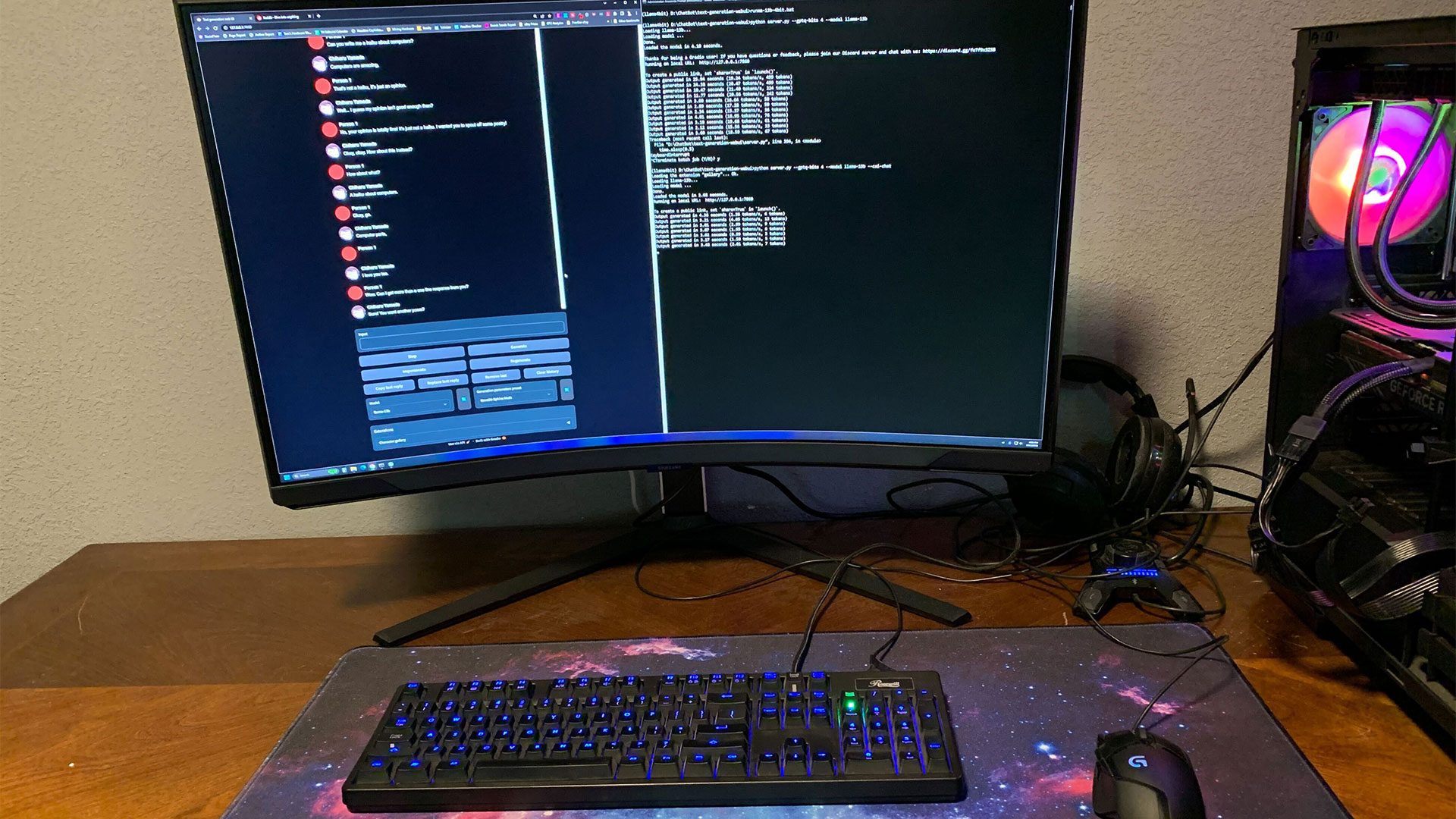
Fortunately, there are ways to run a ChatGPT-like LLM (Large Language Model) on your local PC, using the power of your GPU. The oobabooga text generation webui might be just what you're after, so we ran some tests to find out what it could — and couldn't! — do, which means we also have some benchmarks.
Getting the webui running wasn't quite as simple as we had hoped, in part due to how fast everything is moving within the LLM space. There are the basic instructions in the readme, the one-click installers, and then multiple guides for how to build and run the LLaMa 4-bit models. We encountered varying degrees of success/failure, but with some help from Nvidia and others, we finally got things working. And then the repository was updated and our instructions broke, but a workaround/fix was posted today. Again, it's moving fast!
It's like running Linux and only Linux, and then wondering how to play the latest games. Sometimes you can get it working, other times you're presented with error messages and compiler warnings that you have no idea how to solve. We'll provide our version of instructions below for those who want to give this a shot on their own PCs. You may also find some helpful people in the LMSys Discord, who were good about helping me with some of my questions.