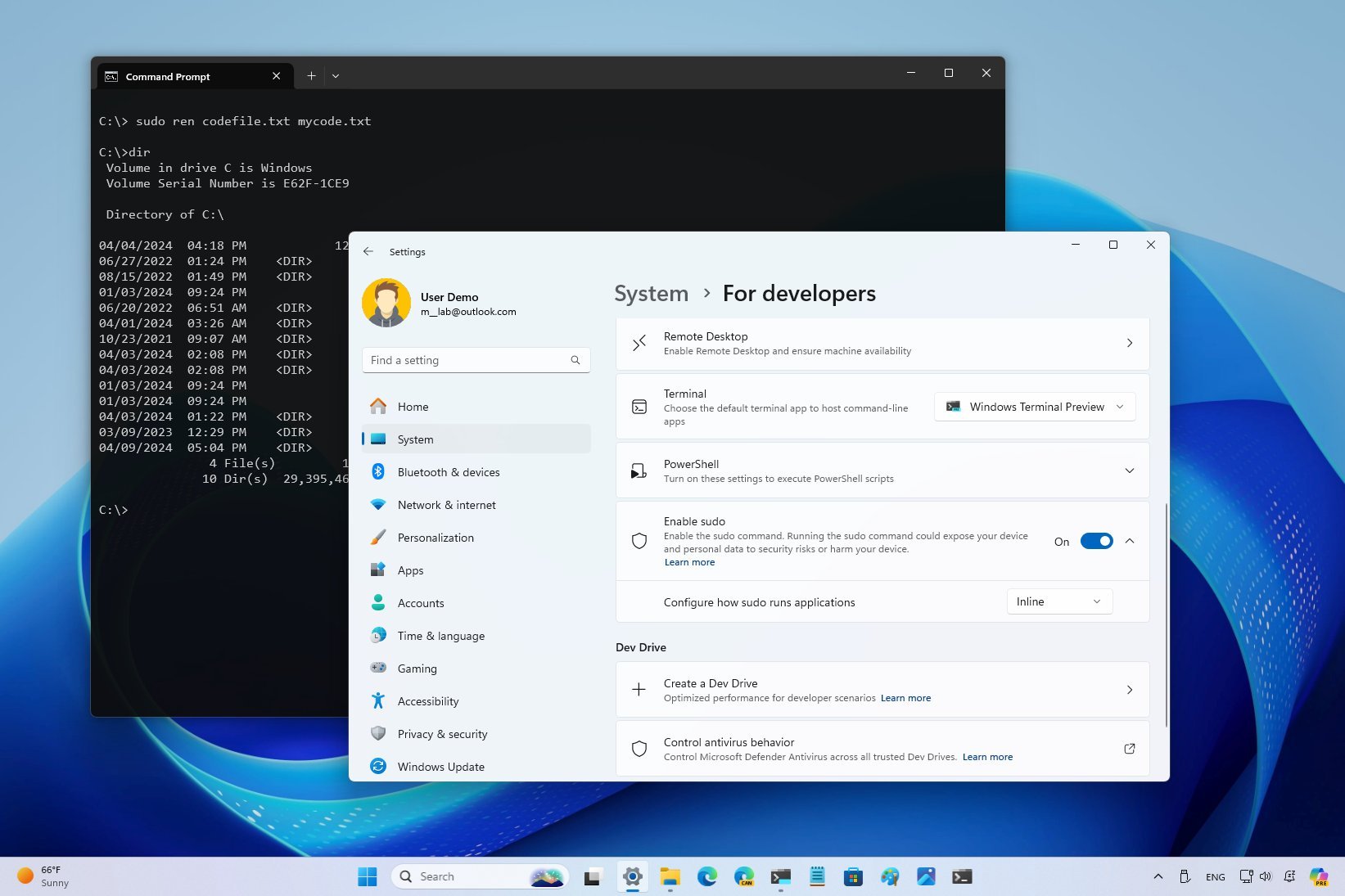
Starting with the release of the Windows 11 2024 Update (version 24H2), Microsoft is introducing a Linux-like version of the Sudo (superuser do) command that works in any of the consoles of the Windows Terminal, including Command Prompt and PowerShell.
Usually, when you have to run an elevated command, you right-click the Windows Terminal from the Start menu or Taskbar, choose the "Run as administrator" option, and then run the command. Other times, you open the terminal as a standard user, and once you run the command and receive the "Access is denied" message, you relaunch the terminal as administrator to execute the command successfully.