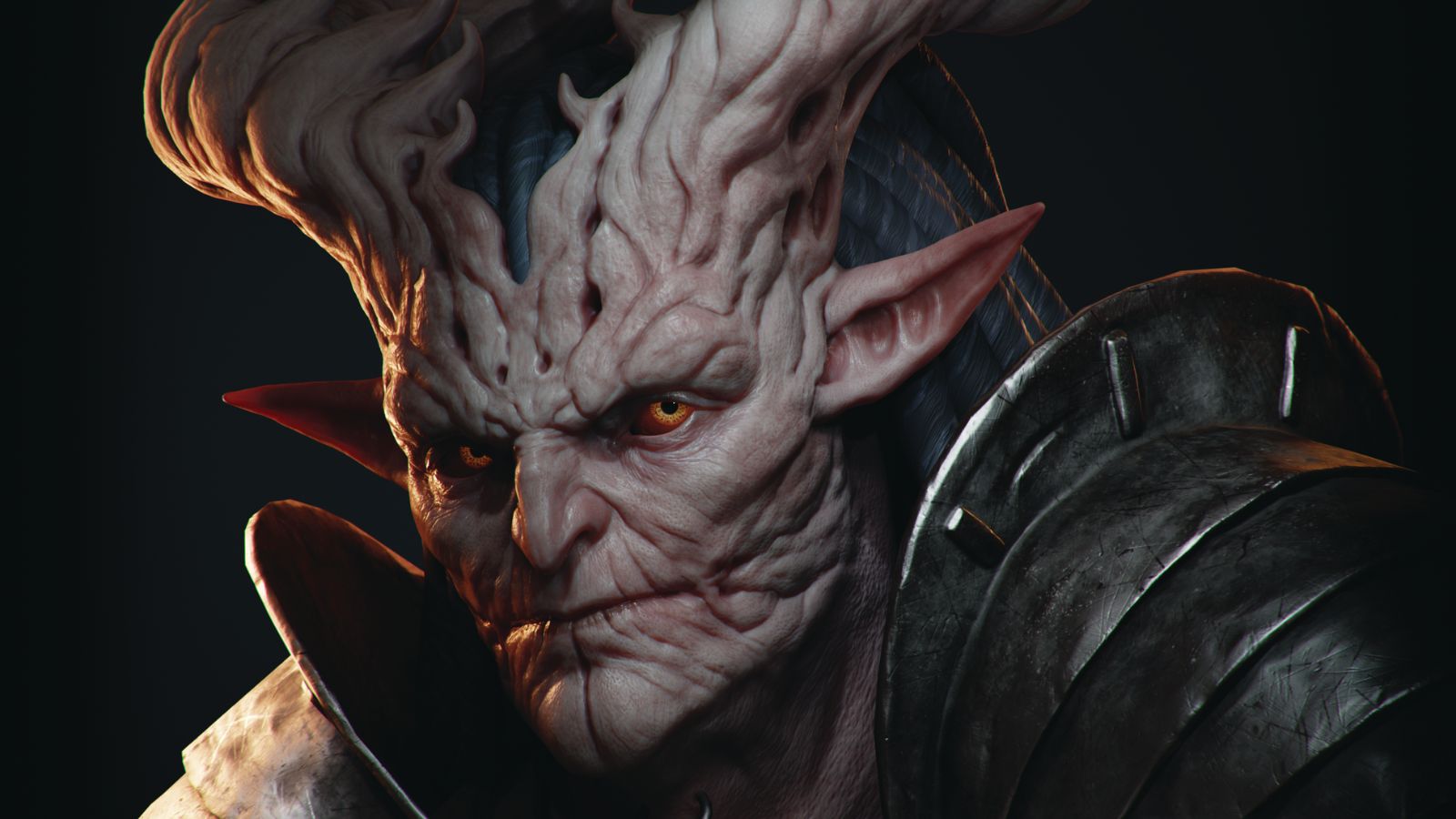
When I set out to make this demonic character bust, my main goal was to create a detailed, real-time 3D portrait that looked as close as possible to the original concept art made by Veronika Kozlova. It also gave me the chance to test out Blender’s capabilities for high-poly sculpting, which I’ve been eager to try for a while now, and check on how its real-time EEVEE render engine performs.
In this tutorial, I’ll guide you through my process creating the bust. We'll start off by sculpting in Blender, before retopologising and unwrapping the textures. With that done, we’ll create PBR textures in Substance 3D Painter. Next, I’ll show you how to set up a scene in Blender and make the final render in the EEVEE engine, and we’ll also do some small post-processing with compositing in Blender for the final image.