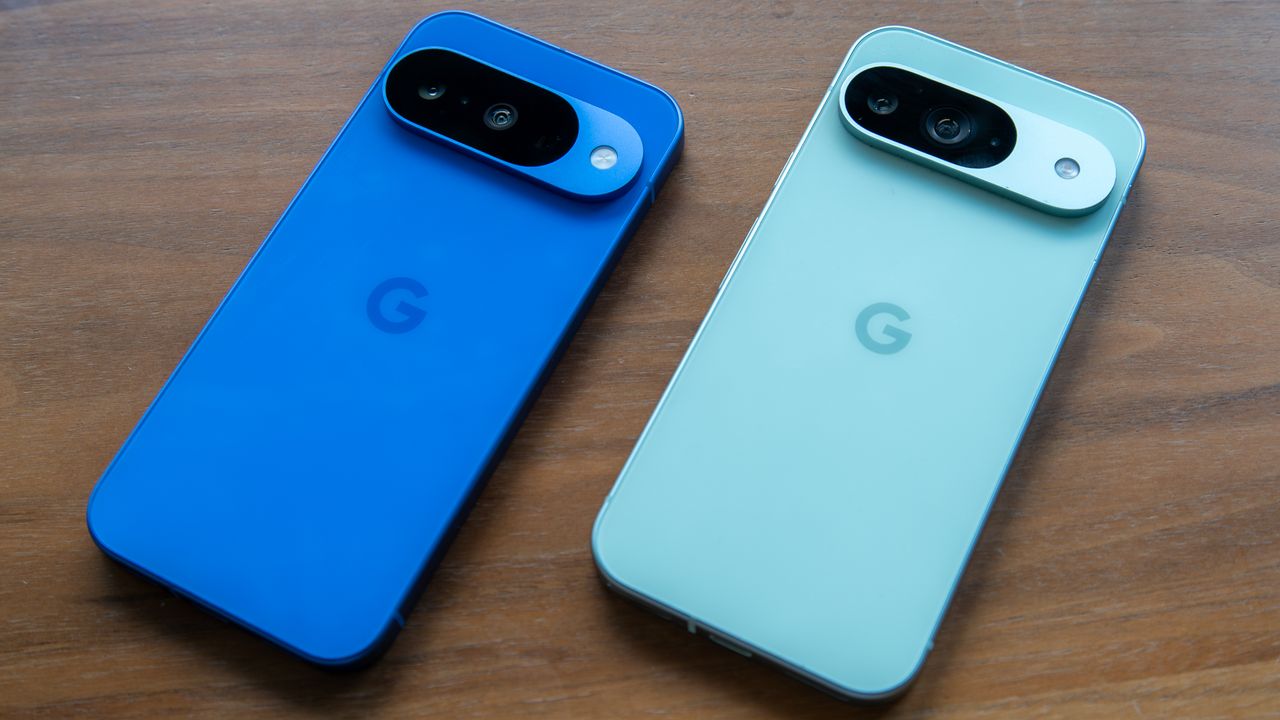
One of the main advantages of using a Pixel phone is that you're usually first to get any new software feature that Google is working on. The last December 2025 feature drop added new ways of tackling your notifications. Notification summaries use AI to recap a long message or missed conversations in a group chat. We also got a new option called Notification organizer for automatically grouping and silencing low-priority notifications.
These features are currently only available on Google Pixel 9 and 10 series phones, and in limited regions, for now anyway. Once you've updated your Pixel phone, Notification organizer should be enabled by default. Here's how to access it and customize it if needed.