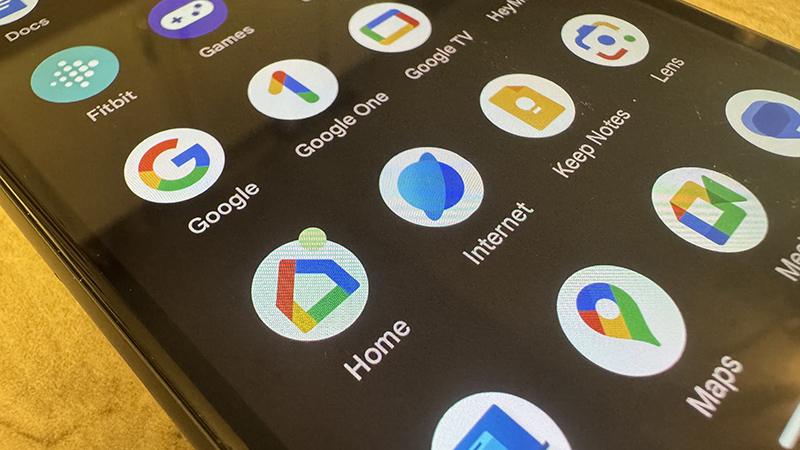
Once you have some Google Assistant-compatible devices in the home, you’ll want to set them up in Google Home. This is a simple, single app on your phone you can use as a hub to control all Google-compatible devices, from your smart lights to your security camera, smart speaker, and even robot vacuums.
Once you have the Google Home app set up on your mobile device and have logged in via your account and added your home’s devices, you might want to add new members so they can access everything, too. It could be other members of the family, the grandparents, babysitter or dogsitter, or even a neighbor who pops in to check on your cats while you’re away. You can add up to six members to a Google Home.