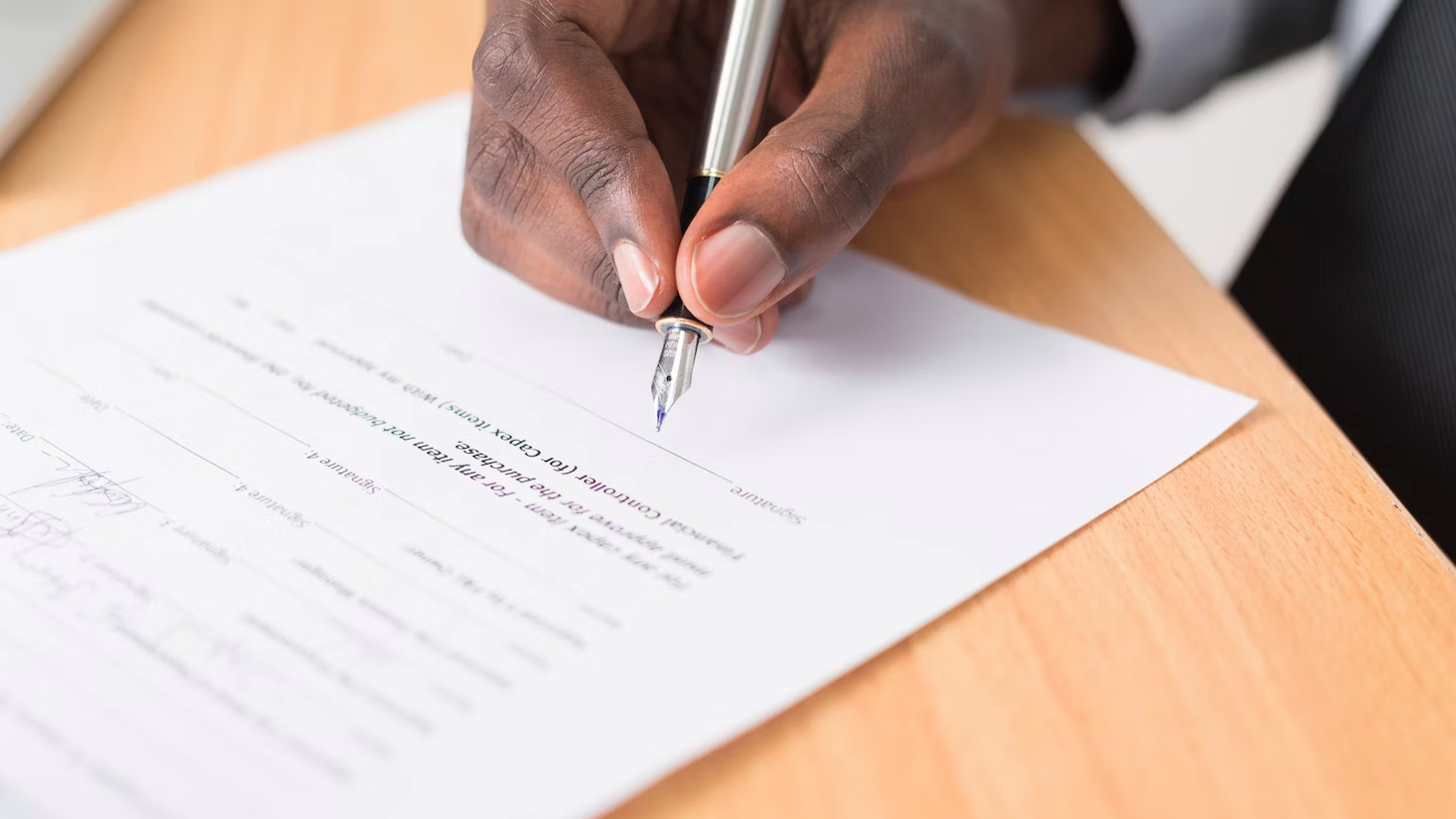
PDFs were never really meant for digital use. It’s a document standard that exists to make sure that What You See Is What You Getwhen you hit that print button. But when you're asked to sign and return a PDF, it's a pain to print it out, sign it with a pen, and then scan it again.
If you’re a macOS user, however, you don’t need to print anything — nor do you need to download paid PDF reader software to add a signature. . With the built-in Preview app, you can just open your PDF and sign it. We’ll show you how to do it right away, but you may want to learn how to convert a Word Doc to a PDF so you can use this method with documents formatted for MS Word as well.