Get all your news in one place.
100's of premium titles.
One app.
Start reading
Android Central
Android Central
Technology
Namerah Saud Fatmi

FOUND: How to type special characters and symbols on a chromebook - What They Never Told You

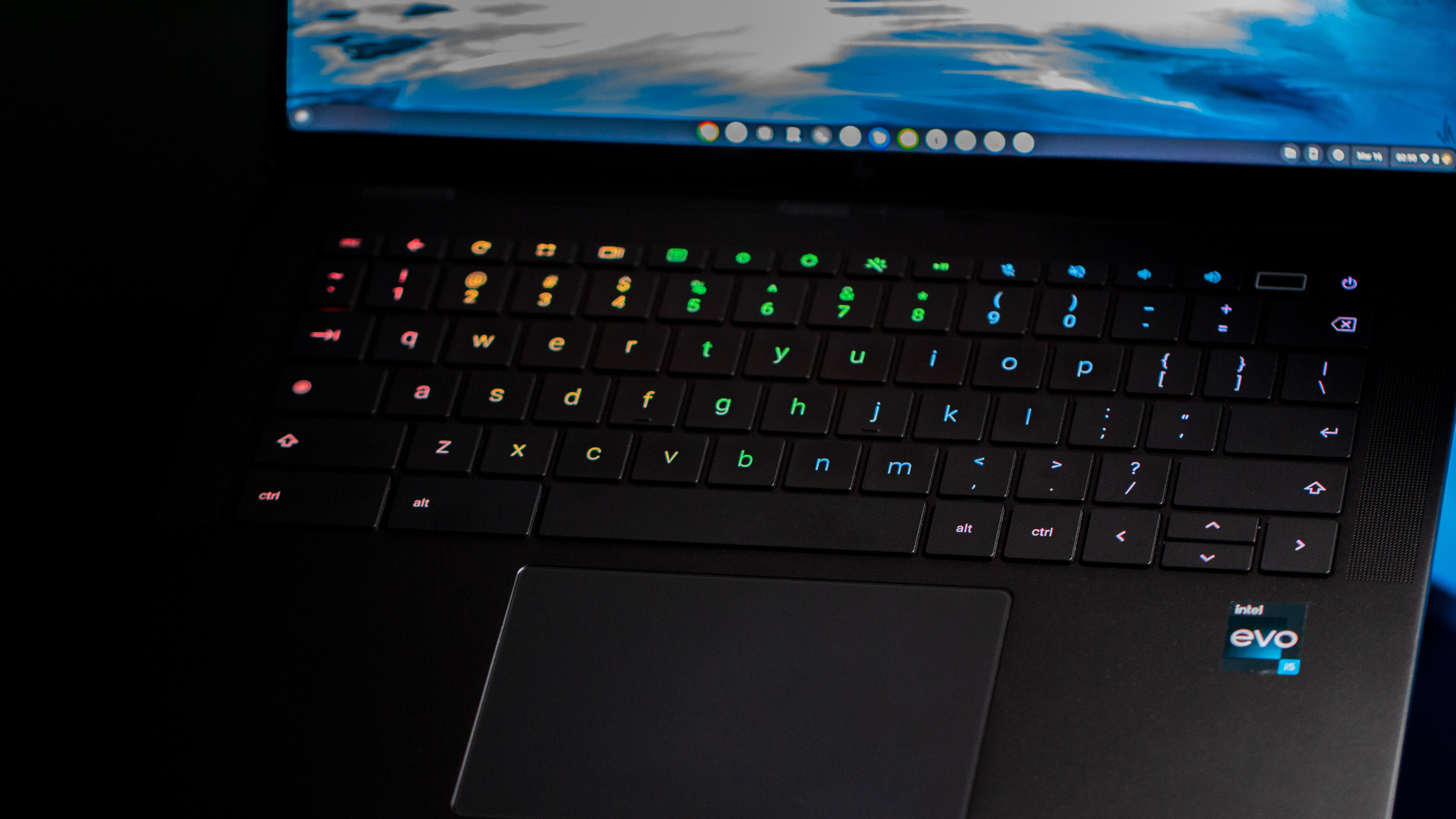
HP Dragonfly Pro Chromebook review

Chromebooks make life easy, and they are super affordable, but Chrome OS isn't as easy to manoeuvre as a regular old Windows or macOS computer. If you've got yourself a spanking new Chromebook or ChromeOS device, you'll want to learn a few things.

Besides learning how to take a screenshot and set up Smart Lock on a Chromebook, the keyboard has a learning curve too. Save yourself some time and pick up how to type special characters and symbols on a Chromebook. Here's how you can do just that.

Sign up to read this article
Read news from 100's of titles, curated specifically for you.
Already a member? Sign in here
Related Stories
Top stories on inkl right now
One subscription that gives you access to news from hundreds of sites
Already a member? Sign in here
Our Picks
Fourteen days free
Download the app
One app. One membership.
100+ trusted global sources.