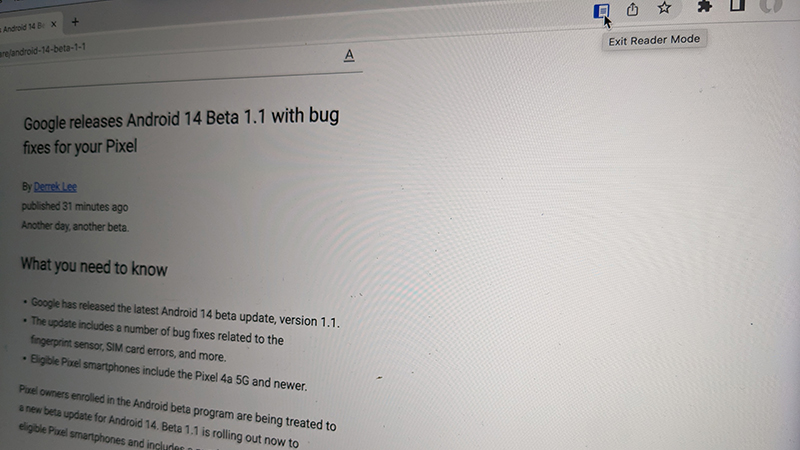
The web is filled with useful and interesting information. But sometimes, web pages can be distracting with too many images, videos, and other extraneous content that gets in the way of the reading experience. To get a clean view of a web page with just the content you want, you can use the Google Chrome hidden Reader Mode. It provides a clean reading experience without all the extra frills. It’s a feature that’s often touted for education, but it’s also an important Accessibility feature, useful for those with reading challenges like dyslexia. There’s a bit of a workaround to use it via desktop. But once you know how, you’ll be enabling it all the time.
What’s the difference between Chrome Reader Mode and Reading Mode?
Best answer: Note that this feature (and the Reading Mode app currently available for Android) are different from the upcoming Reading Mode, an education feature that Google announced in late March 2023 and that is set to arrive via ChromeOS by the end of May 2023. By contrast, the new Reading Mode for desktop will present a side panel with a dropdown menu option. From there, you can do things like adjust fonts, line size, and even character spacing so content is as easy as possible to read. It won’t replace the entire screen view but provides a neat window where you can read content without distractions, then go back to the regular website once you’re done. It’s sort of like the best of both worlds at once.