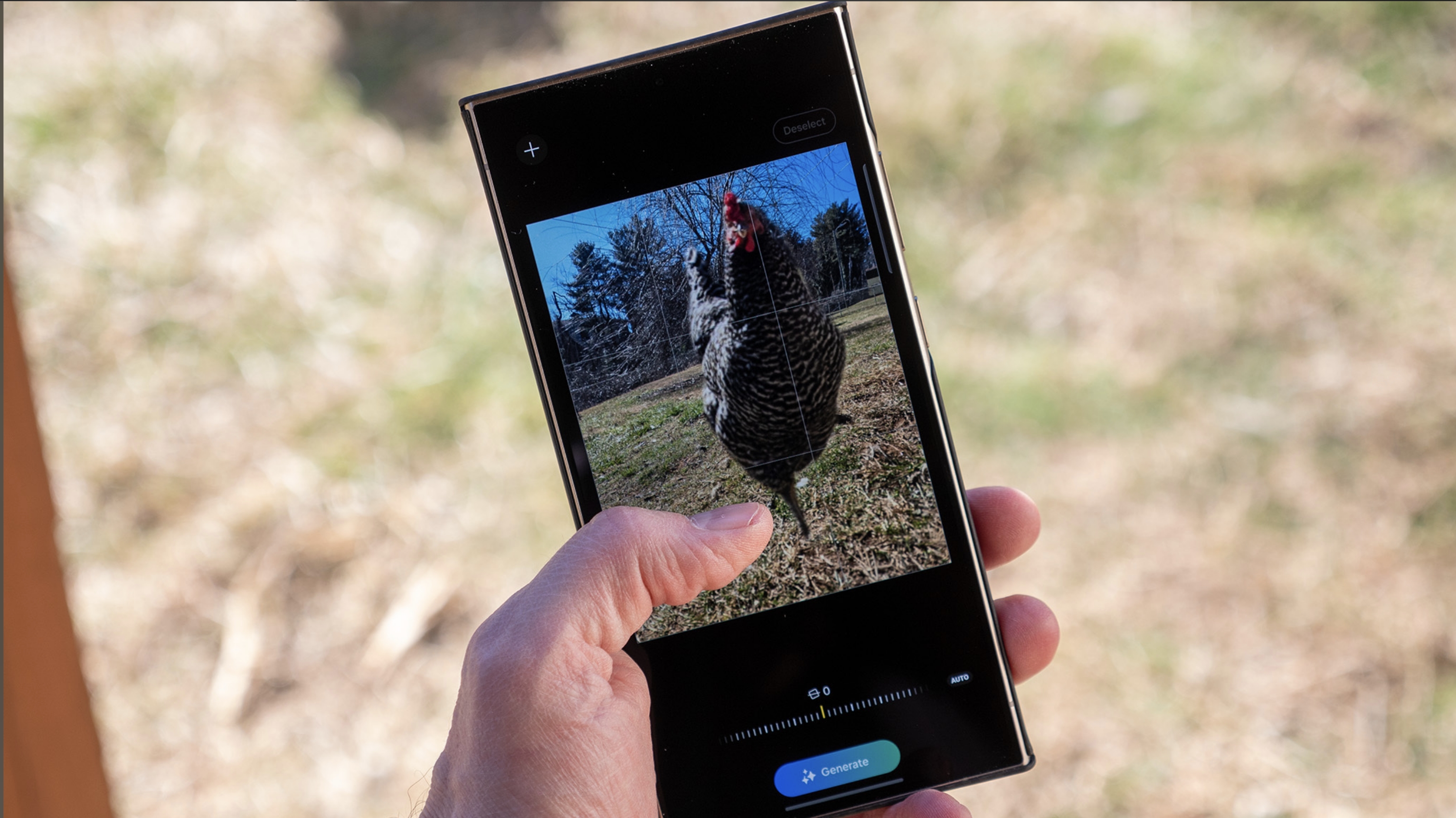
When you know how to use Generative Edit on the Galaxy S24, you can give your pictures the finishing touch to make them look their best. You can cut out objects or people from pictures, move them around, and either make them bigger or smaller. After that, Generative Edit will clean everything up.
The Samsung Galaxy S24 has a lot to offer, from the different colors and models it comes in, to the bevy of Galaxy AI features you can take advantage of. With Generative Edit, you can fix what may have seemed unfixable before. However, before seeing how to use the feature, you'll need to go into your phone's settings to turn it on.