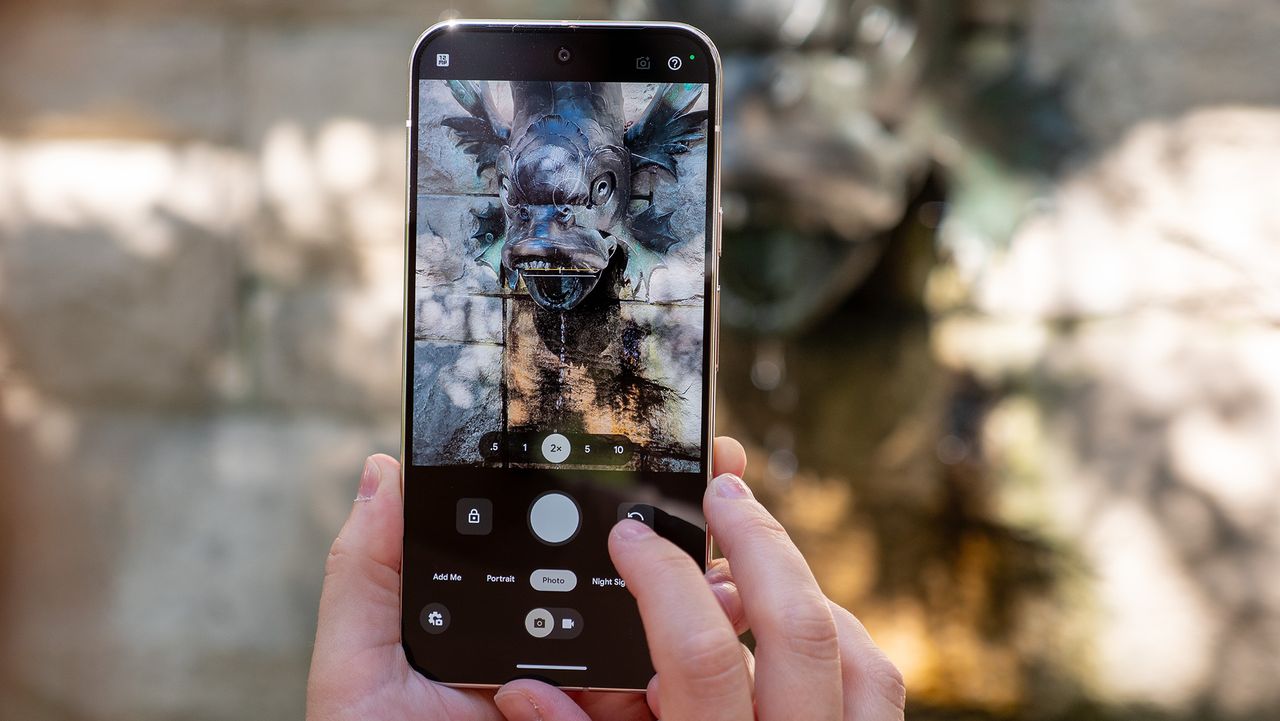
As is the case with every new Pixel phone release, Google likes to put a lot of emphasis on the cameras. This trend has continued over the years, with Pro Mode arriving with the Pixel 8 Pro and Camera Coach in the Pixel 10 series being just two examples.
However, Google has also been much more focus into various accessibility features in recent years, and that includes different ways to use your phone's camera. With the Pixel 7 and Pixel 7 Pro, Google implemented Guided Frame, which makes use of the built-in TalkBack functionality. With this enabled, those who are blind or low-vision will be able to take selfies thanks to a series of audio cues and haptic feedback.