
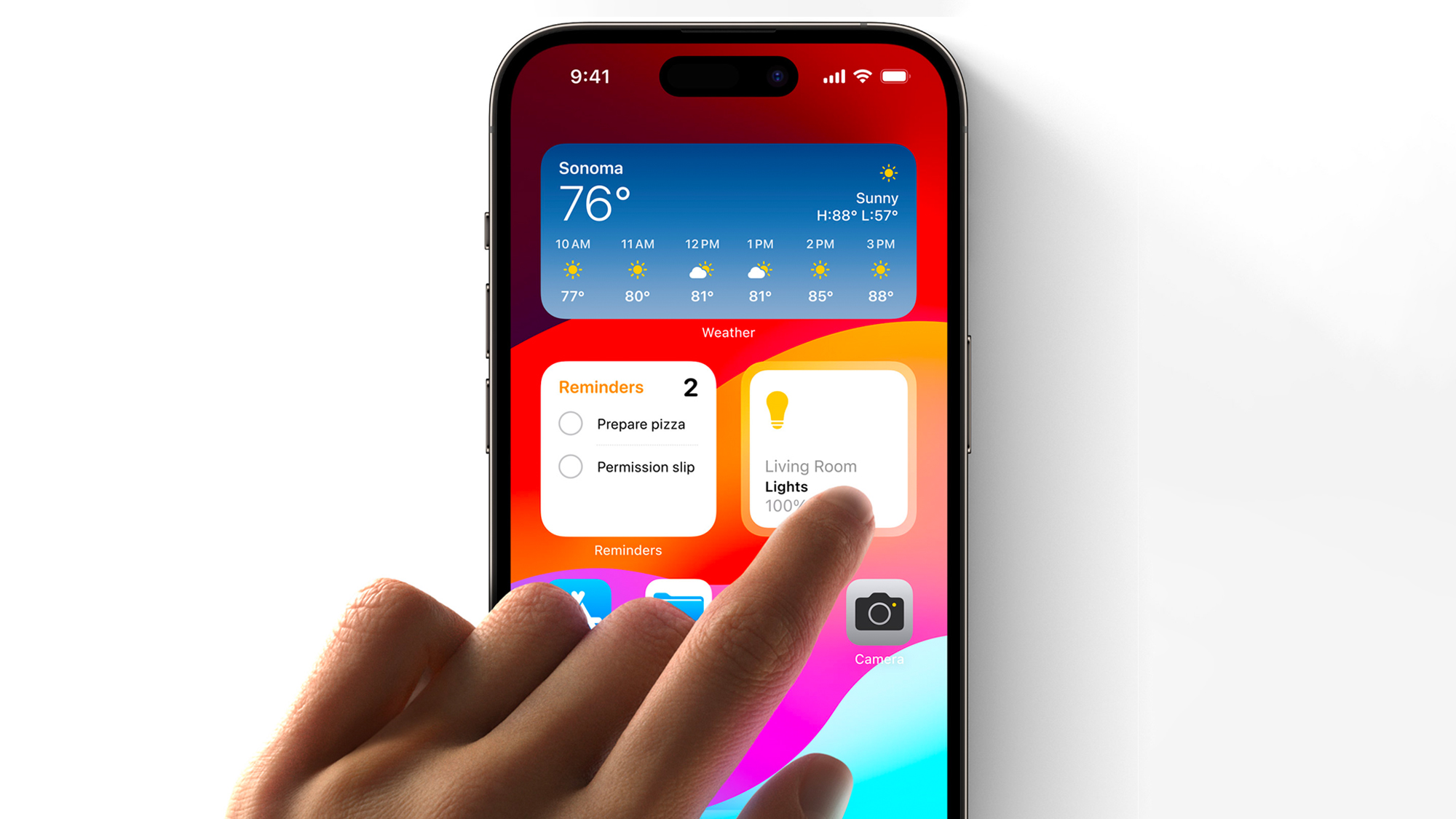
Widgets are getting an upgrade! Of all the additions that iOS 17 brings to the table, Interactive Widgets are perhaps one of the most overdue and welcome improvements; gaining additional functionality that makes their presence on your home screen all the more worthwhile.
Up until now, widgets on iOS (which were first introduced in iOS 14) have served their purpose as a way to keep tabs on pertinent information like the weather, upcoming calendar appointments, breaking news and your to-do list at a glance. However, prior to iOS 17, all tapping widgets ever did was take you to the related app in question (or a section thereof), rendering them little more than glorified app shortcuts.