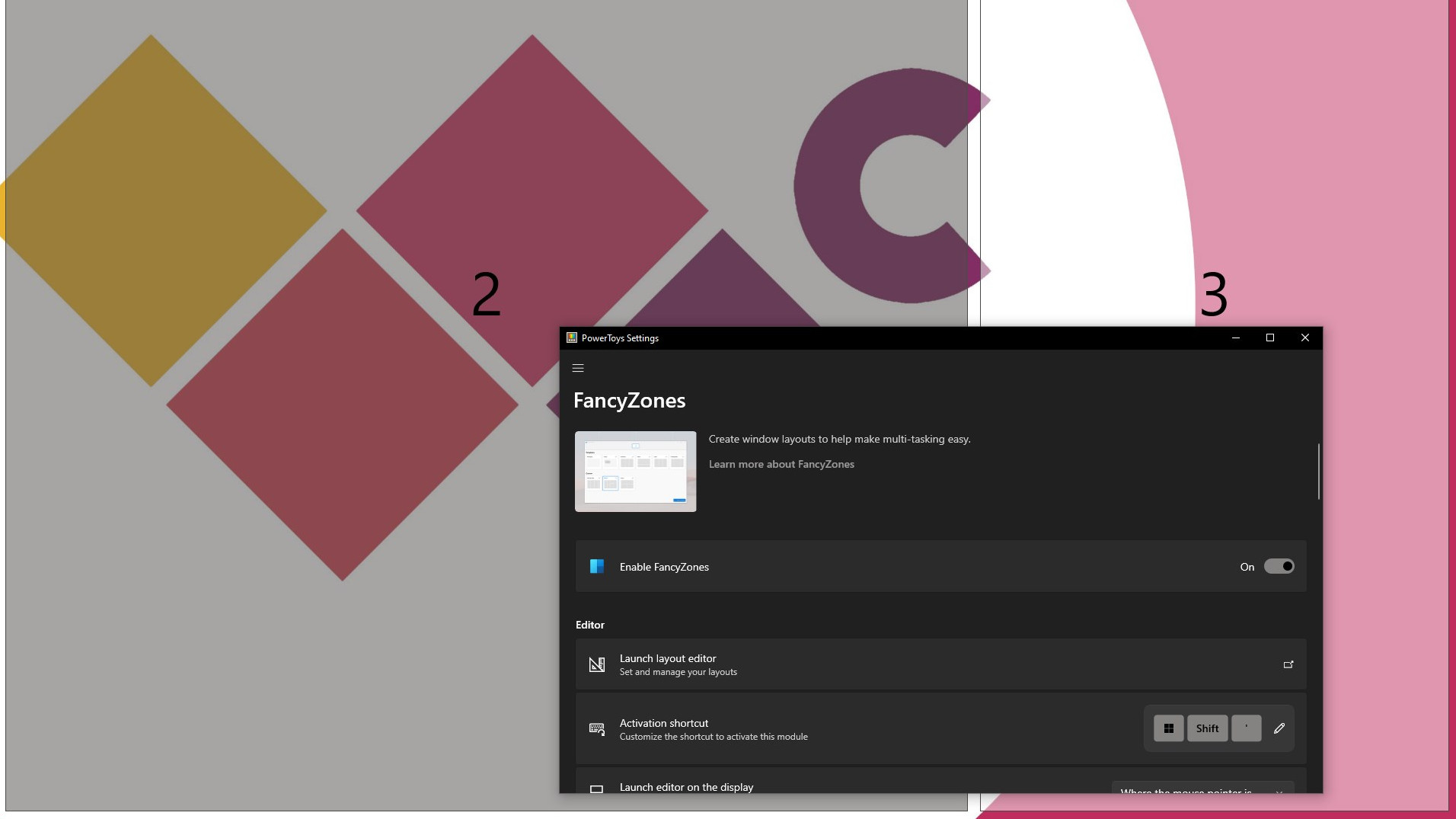
Whether you're running Windows 10 on your PC out of necessity or preference, you might feel a little jealous of the advanced window-snapping features available on Windows 11. It's still possible in the previous generation, but the options are limited, with applications taking up the entire screen or cutting a vertical slice. It can be helpful in some scenarios, but Microsoft has a first-party solution in PowerToys to unlock fully customizable layouts with FancyZones.
What is PowerToys?
Microsoft PowerToys is a free set of open-source utilities designed for Windows 10 and 11 that offers extra customization for the desktop UI and tools to streamline the user experience, including FancyZones to create custom layouts and quickly arrange applications. Supported on x64 and ARM processors, PowerToys is available now in a preview state.