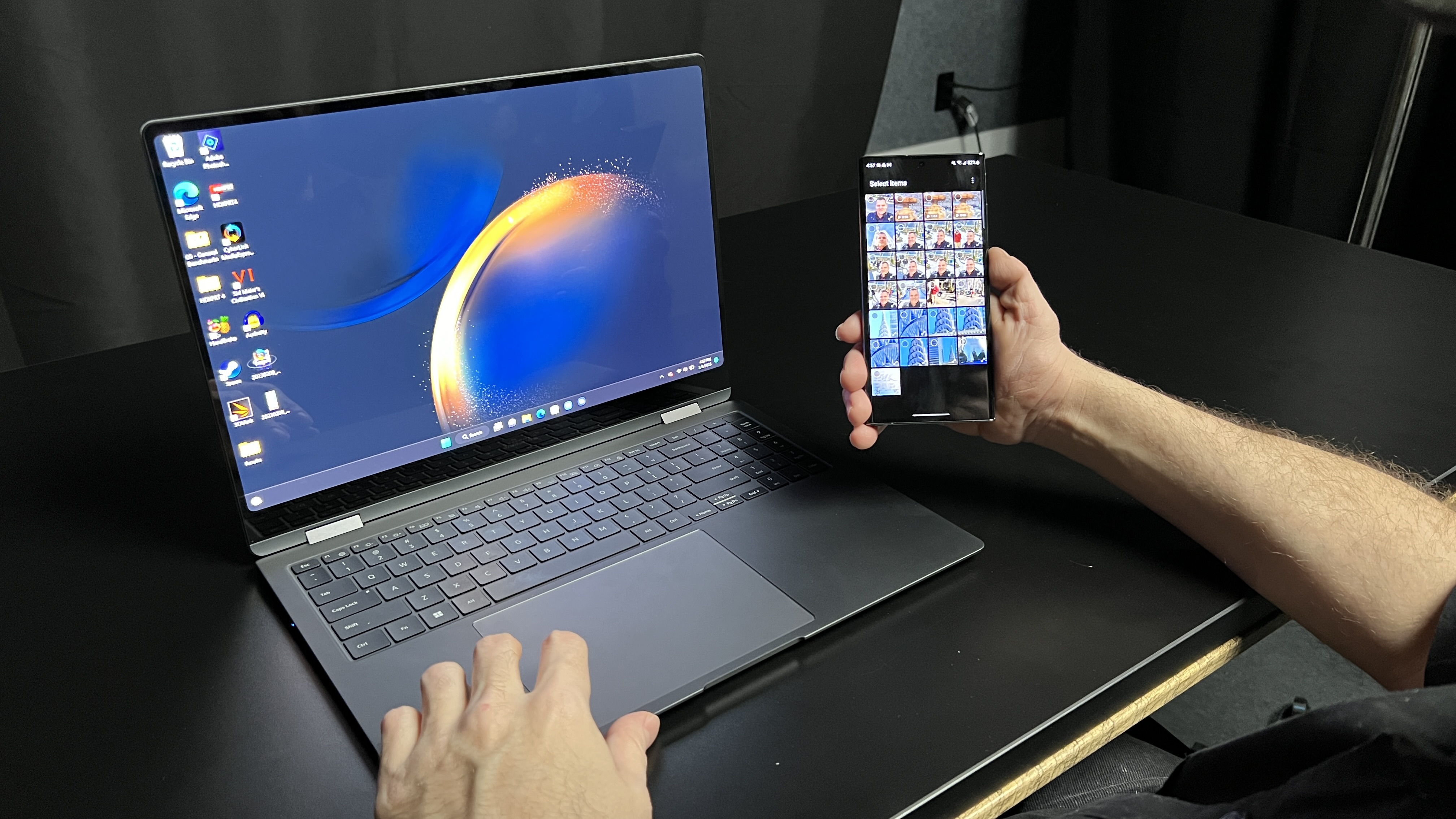
Learning how to use Samsung Multi Control is handy for those who own the company’s latest laptops and smartphones. For example, if you have the Samsung Galaxy Book 3 Pro 360 or the Samsung Galaxy Book 3 Ultra, you can pair it with any of the Samsung Galaxy S23 phones.
Multi Control lets you control your Galaxy smartphone with the laptop’s keyboard and touchpad. It also enables you to copy, paste or drag and drop files between devices. We tried the feature with the Samsung Galaxy S23 Ultra when reviewing the Galaxy Book 3 Pro 360 and found it worked quite well. It’s easy moving the laptop’s cursor over to the phone's screen (and vice versa). This feature is a good way of quickly dragging photos to your laptop if you need to edit them, for example.