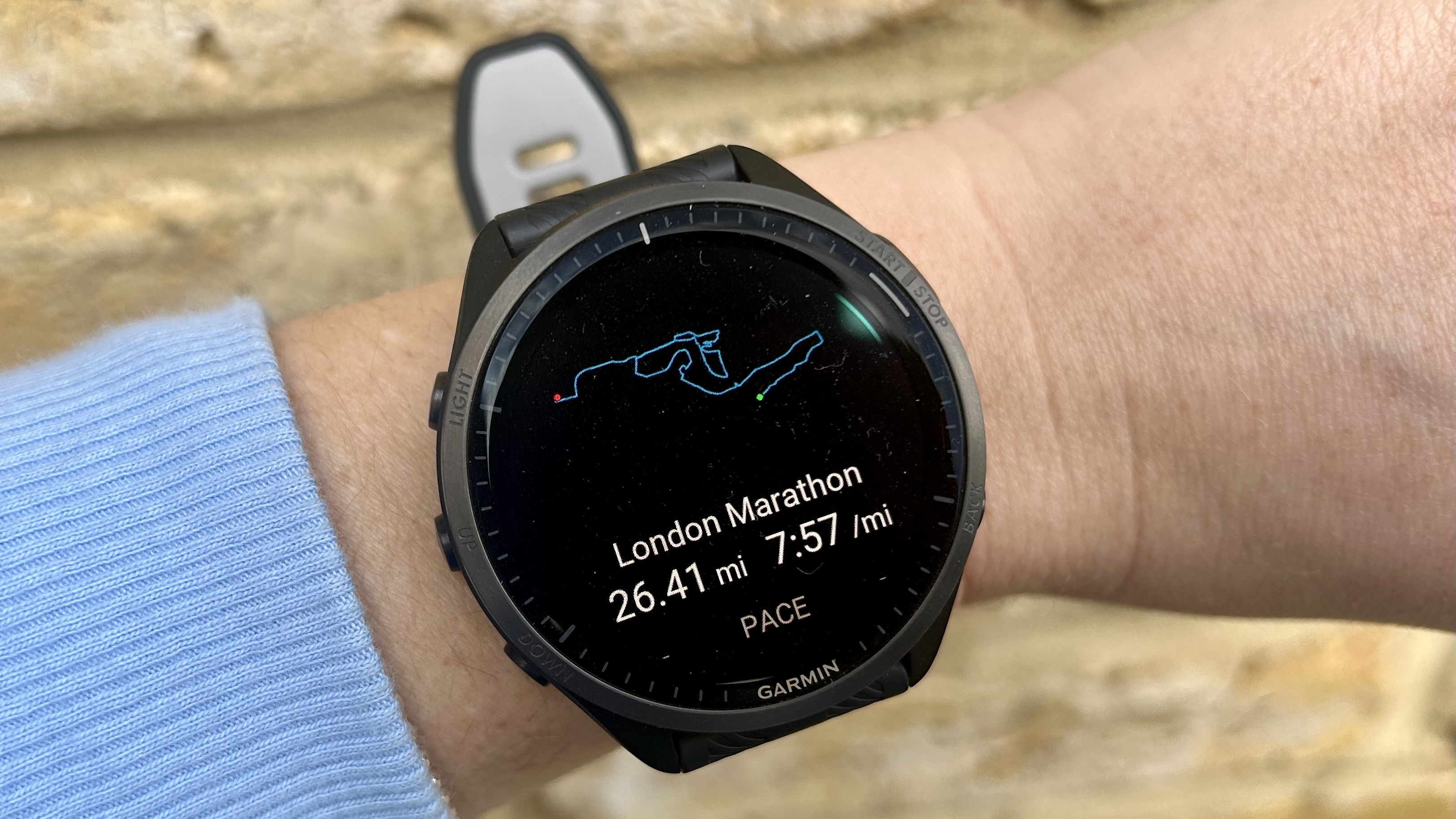
So you’ve bought one of the best Garmin watches, and you’re working out how to get the most out of it on your next race day. As well as being an excellent training companion, a lot of the newer, high-spec watches from Garmin can help you pace your way to a new PR, and keep you from sprinting off from the start line too quickly on the day of your race. One of the best features to use is Garmin’s PacePro, and below, we go through all the different steps to teach you how to use the PacePro feature on race day.
Whether you’re running your first 5K, or shooting for your fastest marathon, keeping an eye on your pace is important. Pace is your time divided by your distance, and reflects how fast you are traveling in minutes per mile or minutes per kilometer — you can choose between the two on your Garmin.