
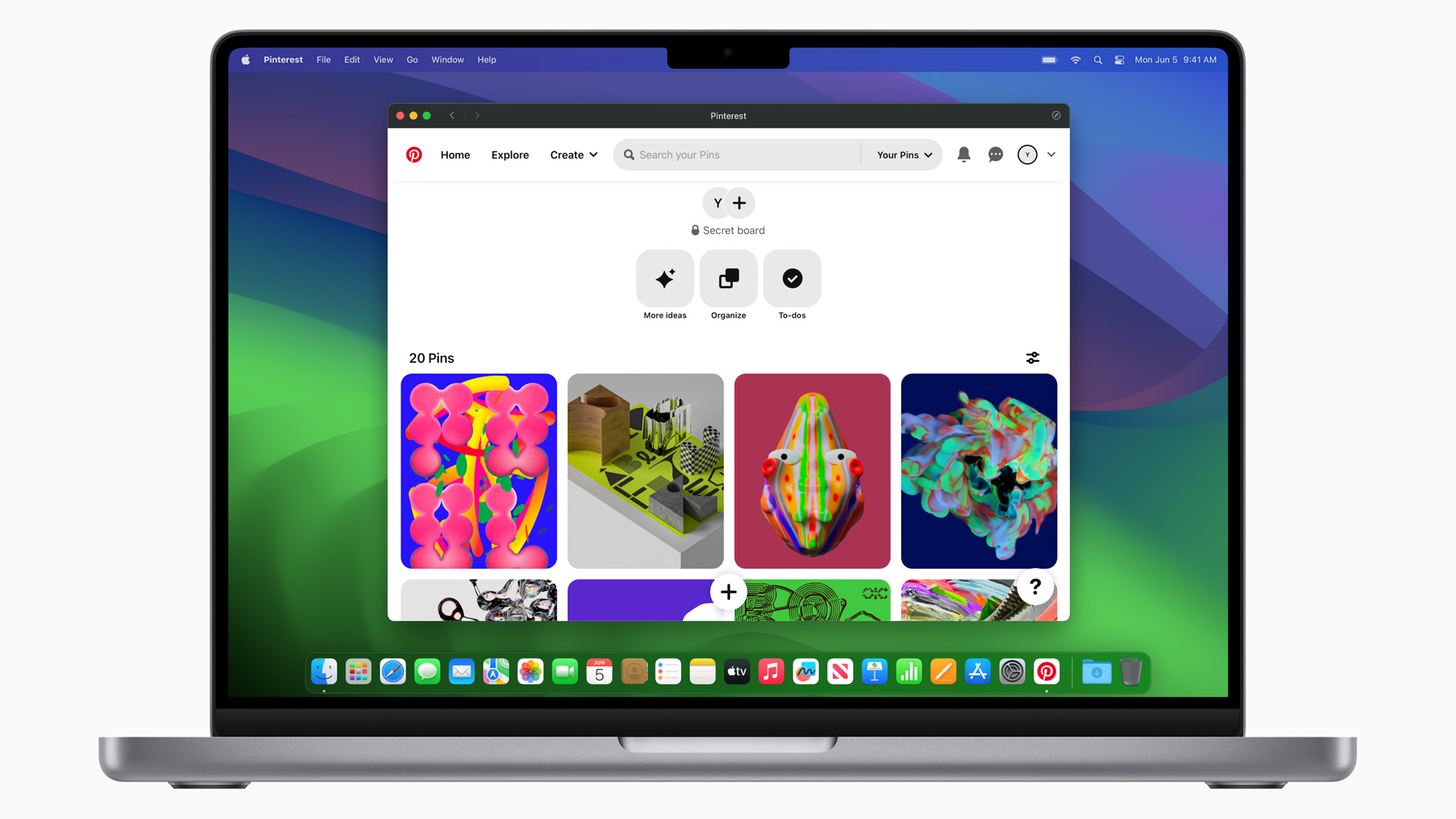
Have you ever logged onto your favorite website, and wished it was available as an app instead? Maybe you’d prefer a stand-alone eBay app like you get in iOS 17 and iPadOS 17. Perhaps you’d like Google’s apps such as Docs and Mail to function outside your web browser, or you’d rather read and post on your favorite forums using an app. In macOS Sonoma, you can.
In the latest version of Apple’s Mac operating system, you can add any website to the Dock and launch it like an app. From there, you can use the site as if it was an application. It opens in its own window, with a simplified toolbar and an all-round app-like experience.