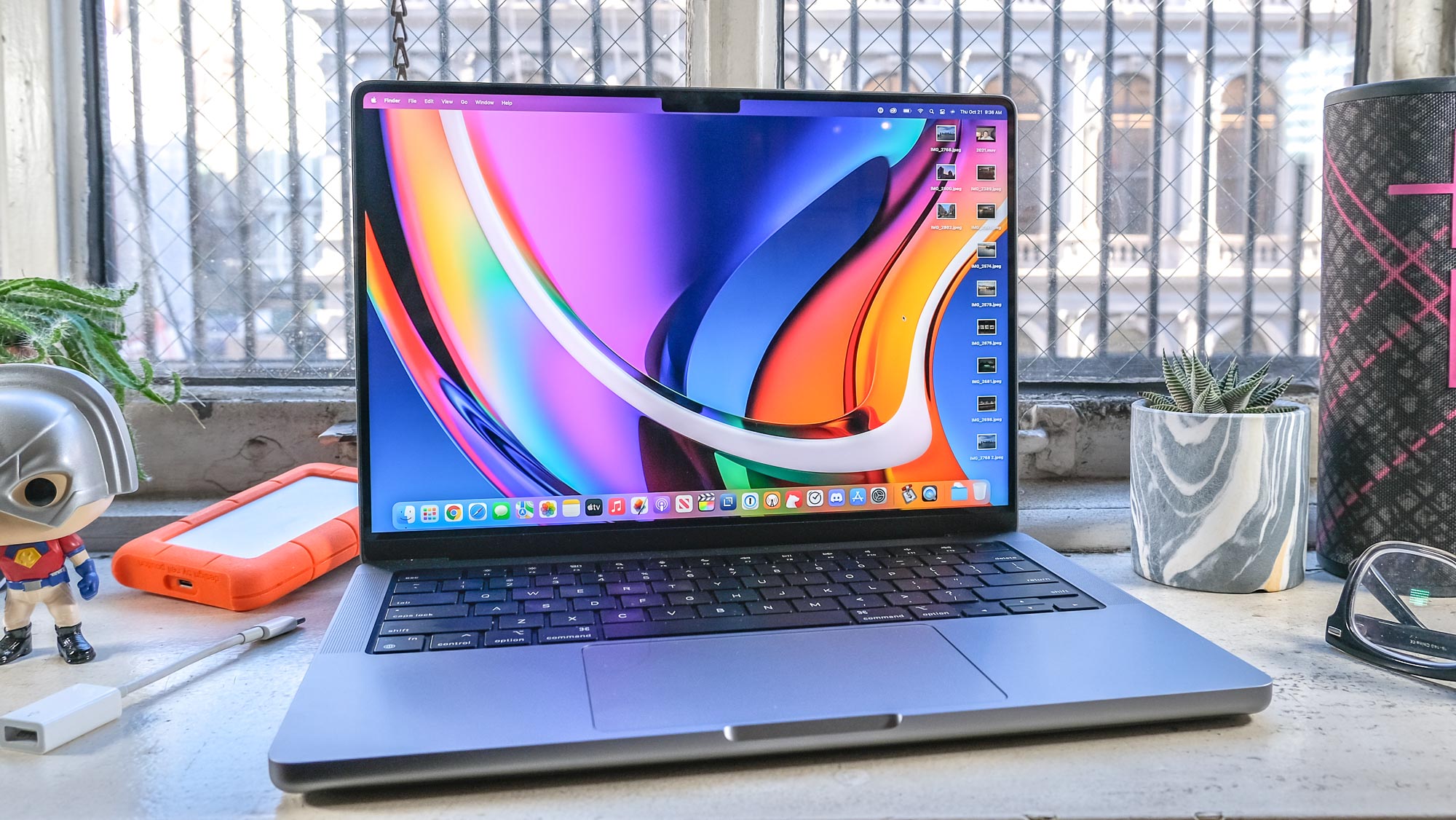
Knowing how to view Wi-Fi passwords on Mac is important, although doing so isn't as straightforward a process as you might think. In particular, if you're a user of other Apple gear — especially iPhones or iPads — you might be expecting the process on Mac to work similarly, and be confused that it doesn't.
See, on an iPhone or iPad, you can go via the Settings app to view saved Wi-Fi passwords. On macOS, the process is nowhere near as intuitive — you can't view passwords through the Settings page, and must instead copy and paste it into another app. There is still a way to view passwords through Keychain Access, which again is a little convoluted.