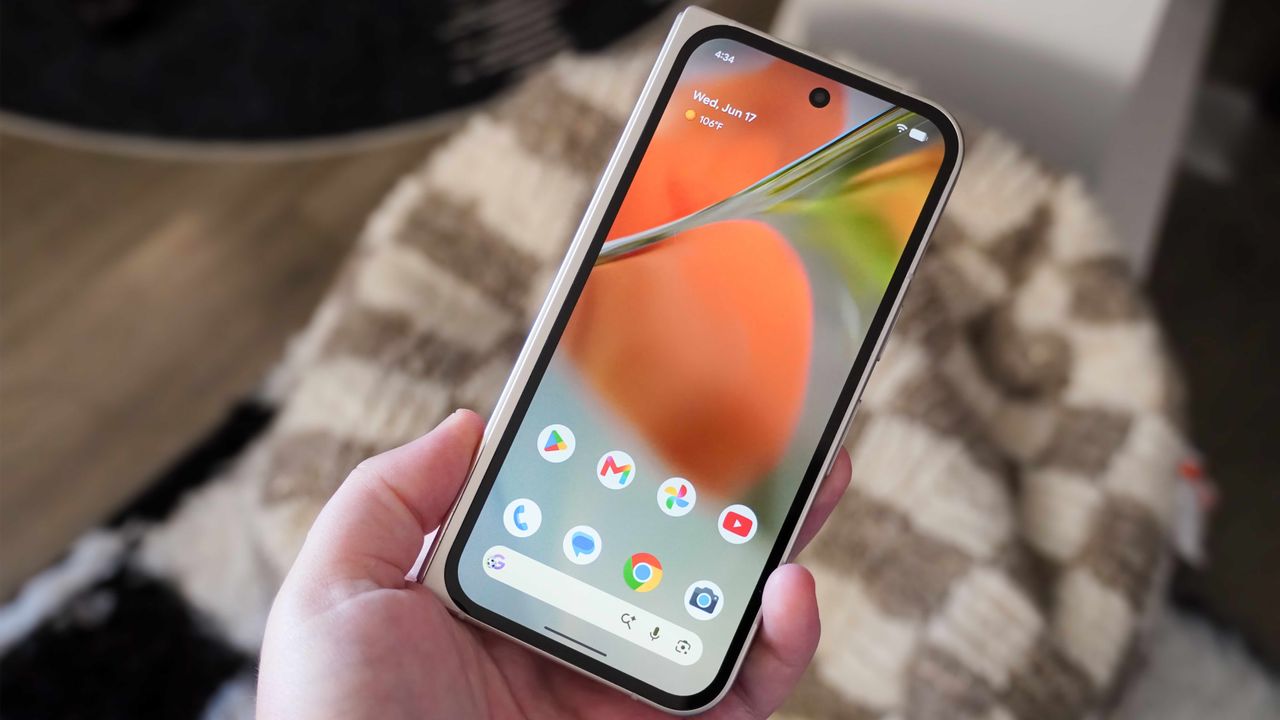
Google Pixel phones offer many customization tools, but up until recently, the Pixel UI home screen was more restrictive. Google only recently made it possible to remove the At a Glance widget from your home screen, for instance. While past Pixel Drops brought fresh theme packs and style choices, the latest Android 17 update adds a hidden home screen customization option that can seriously simplify your setup.
I keep my home screen basic, only including a few home screen widgets and the most important apps. For everything else, I use the app launcher or search bar. That means I know exactly which apps and icons are on my home screen without needing to look at their names. Finally, Android 17 lets me remove the redundant app names from my home screen for a cleaner look.