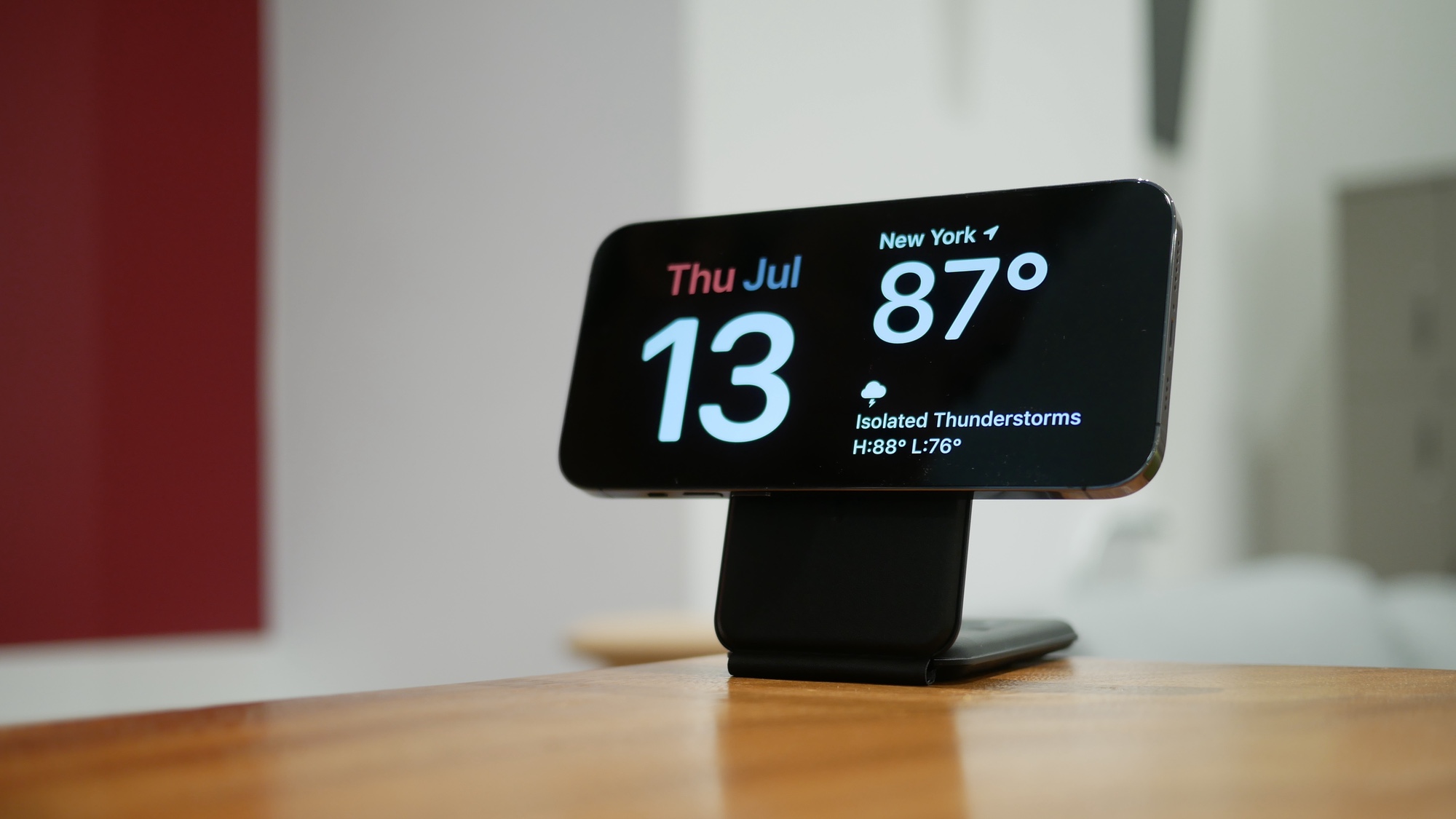
A lot of this year's iOS 17 update focuses on enhancing features that are already familiar to iPhone users, but Apple includes a couple of new capabilities that give your phone newfound powers. The most interesting of these newcomers is StandBy mode, which allows your iPhone to pull double-duty as a smart screen when it's not in use.
StandBy mode leaps into action when your iPhone is being charged, letting you see the time, look at photos or even peruse widgets like the ones on your lock or home screens. It's dead simple to use and relatively easy to configure. And it's available to any iPhone capable of running iOS 17, though phones with MagSafe and always-on displays will get the most out of this feature.