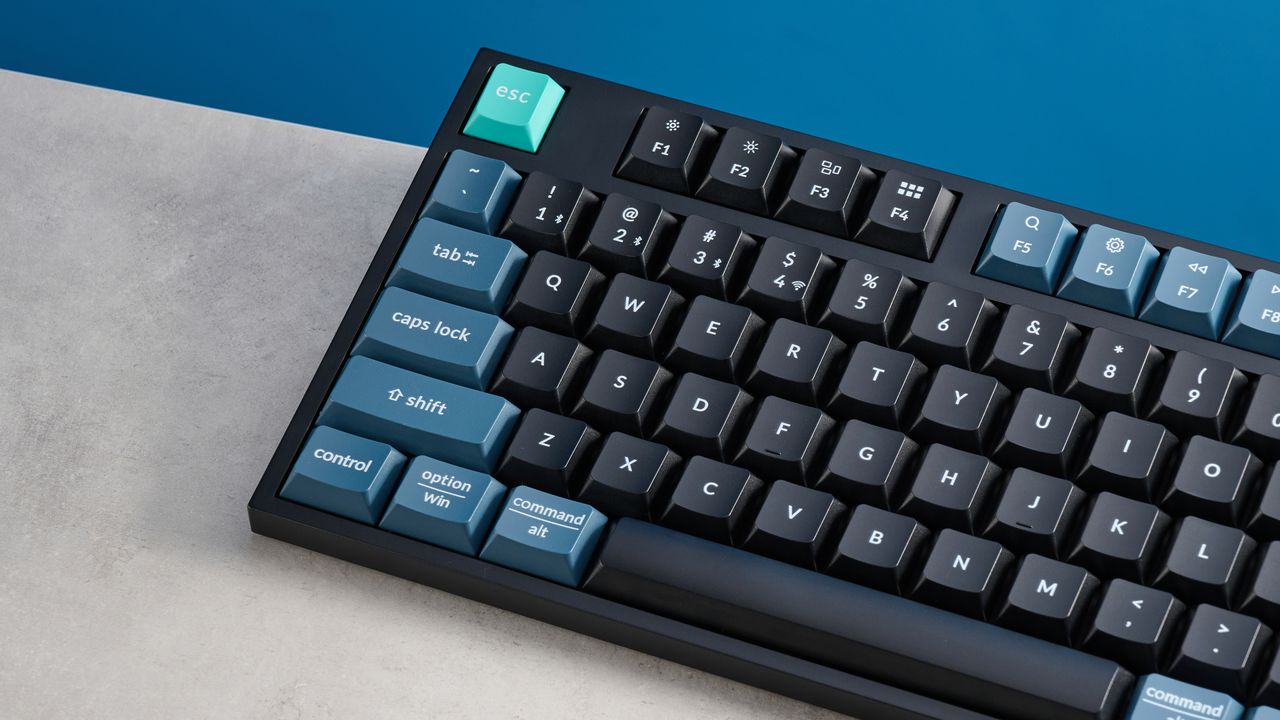
I’m always excited to try out a new productivity keyboard and see if I can improve on my words per minute and accuracy scores. And in the past, Keychron boards have served me well, but the Keychron B36 left me a little underwhelmed.
The B36 has some redeeming features. It’s virtually silent to type on and incredibly comfortable, too, thanks to the adjustable typing angles. It’s lightweight and can be moved around a desk easily, while the dual-OS compatibility and key legends also make it a good choice for anyone who needs to switch from Windows to macOS frequently. And the board is super cheap at $39, so if you’re looking to kit out your office, either for yourself or a whole team, this should be on your radar (especially in the mouse/keyboard combo bundles available).