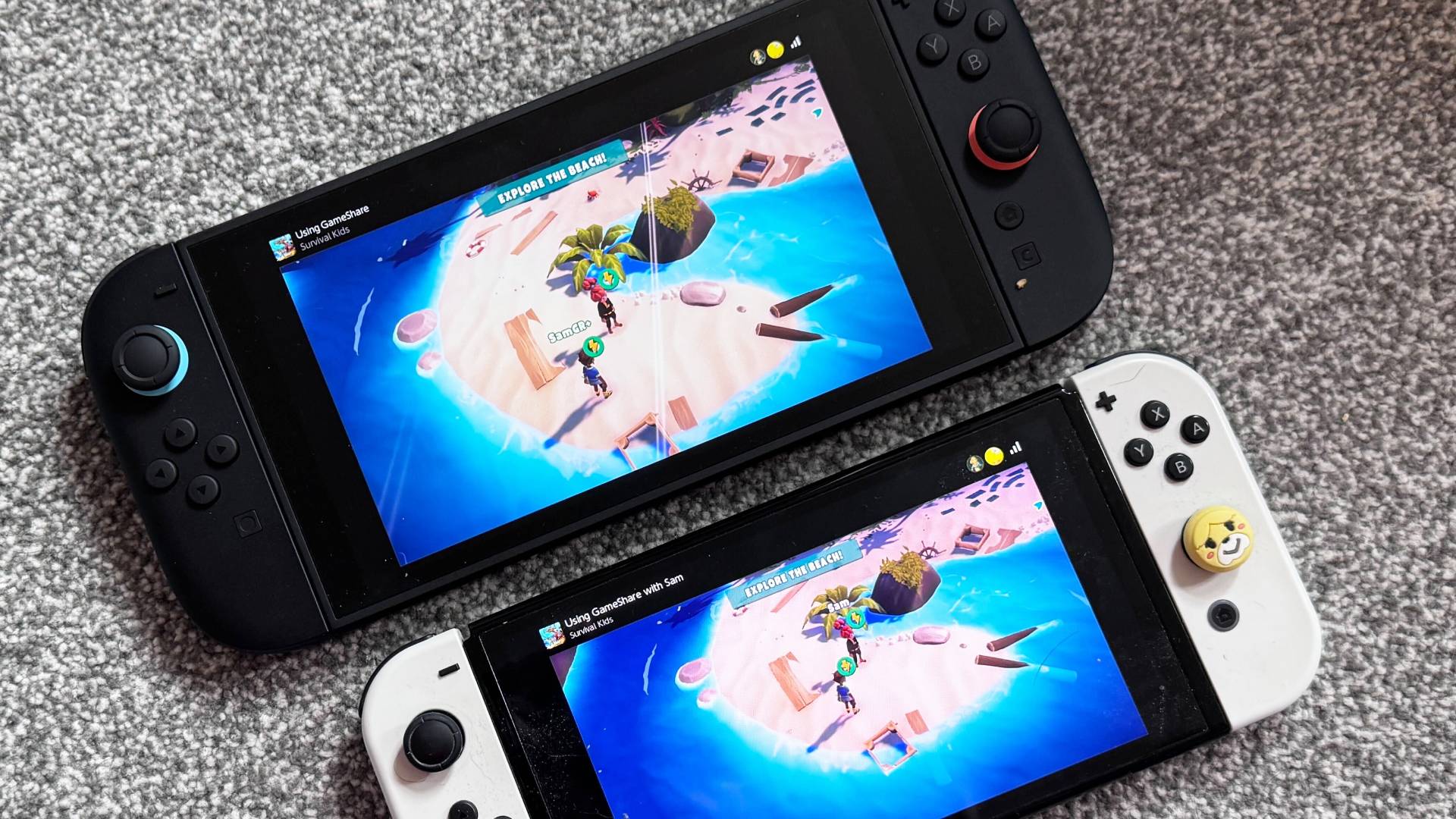
GameShare is one of the key features separating the Nintendo Switch 2 from its predecessor. Essentially, it allows you to play and share games with friends locally or over an online connection to another Switch 2 or original Switch handheld.
Want to replay through Super Mario Odyssey but have your bff as your trusty friend Cappy? Well, that can be arranged, and you only need one copy of the game to set it up. There are, naturally, some restrictions. You can share a game to play with a friend locally, but you'll need to be close by and on the same Wi-Fi network. You can alternatively share a game via the new GameChat feature, but it requires an active Nintendo Switch Online membership, and not every game can be shared from one system to another.
If you're eager to start playing Switch games with your friends, I've laid out all the different GameShare methods, and what you need to know before you start making the most out one of this generation's latest features.