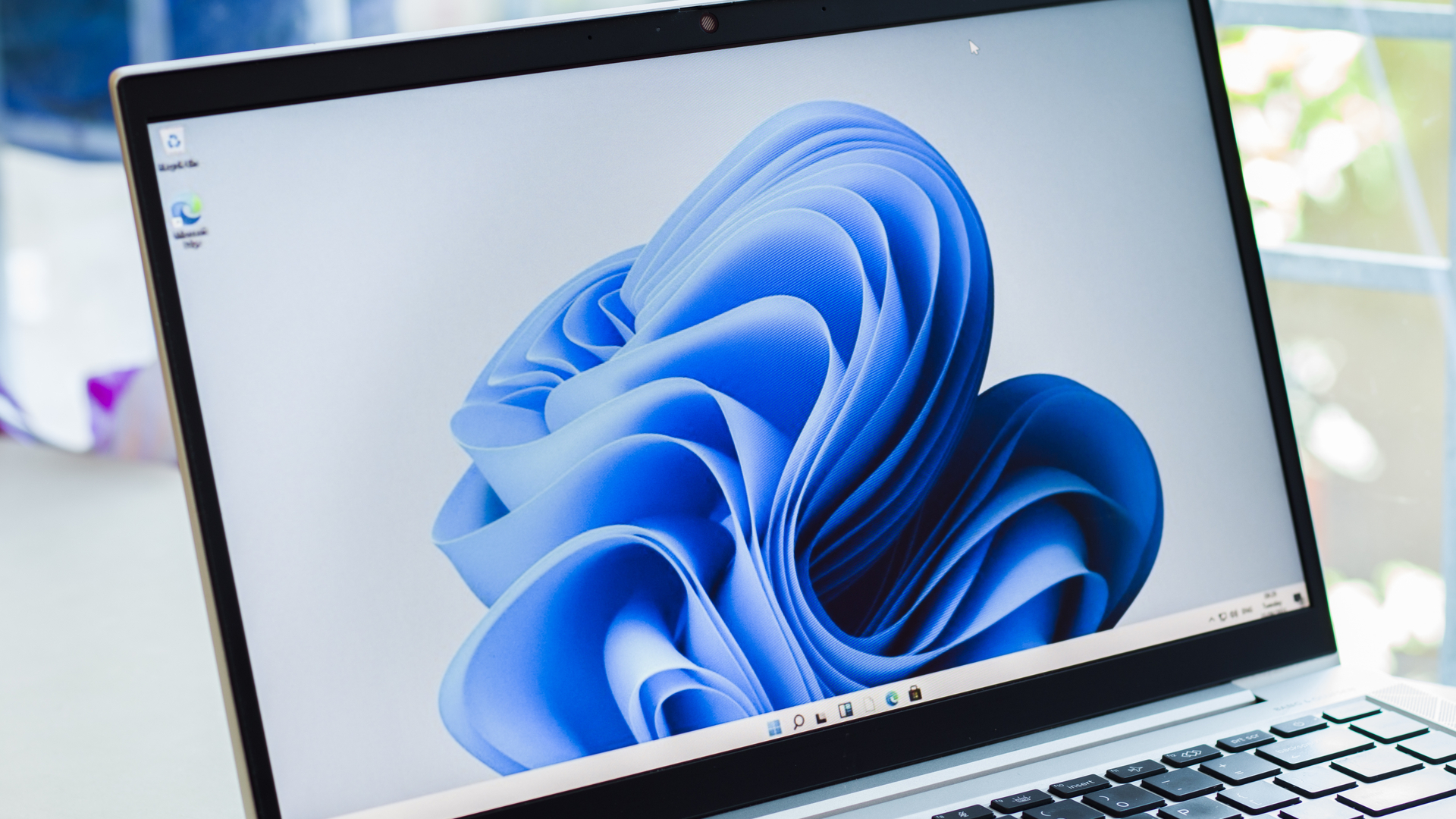
Microsoft is working on a new way to let you force quit unresponsive processes. As spotted by Windows Insider PhantomOcean (via Bleeping Computer) the new function is in development as a hidden feature of Windows 11 build 25300 in the Windows Insider channel. This feature lets you shut down an unresponsive task directly from the taskbar.
Our sibling site Tom’s Hardware details how this new feature works. In the latest Dev channel version of Windows 11, there is an option to enable “End Task” by going to Settings->Privacy & Security->For developers menu. While you can turn the option on, it doesn’t make the “End Task” option show up when you right-click on the taskbar icons. Tom’s Hardware found that the option didn’t retain its “on” status when they closed and reopened the Settings menu.